IPTV on a Firestick: set it up step by step
IPTV on a Firestick, from an empty home screen to a playing channel. Four players get one tab each, and every code points to the app maker's own file. Three new sticks cannot sideload, so read the model check below first.
Short answer
Install Downloader, allow it once under Developer Options, then type 1171959 for IBO Player. A photo of its two codes sent on WhatsApp is all we need to switch it on. Budget about 10 minutes on any Fire OS stick.
- Device
- Fire OS models, for example the Fire TV Stick 4K Max (Vega OS models excluded)
- Time needed
- About 10 minutes
- Difficulty
- Easy
- Apps covered
- IBO Player, TiviMate, ELK Player, IPTV Smarters
- What you need
- Wi-Fi or Ethernet, plus the login we send on WhatsApp
Your app, step by step
We suggest IBO Player. Switch tabs to see the other apps, one full walkthrough per tab.
Paid app We activate it. 7 days cost nothing. Then the developer bills a yearly or lifetime licence, one per device.
-
Add Downloader from the Amazon Appstore
On the home screen, choose Find, then Search, and spell out Downloader. Its icon is orange. Press Get or Download, then keep the app: every code here is typed into it, now and for future updates.

-
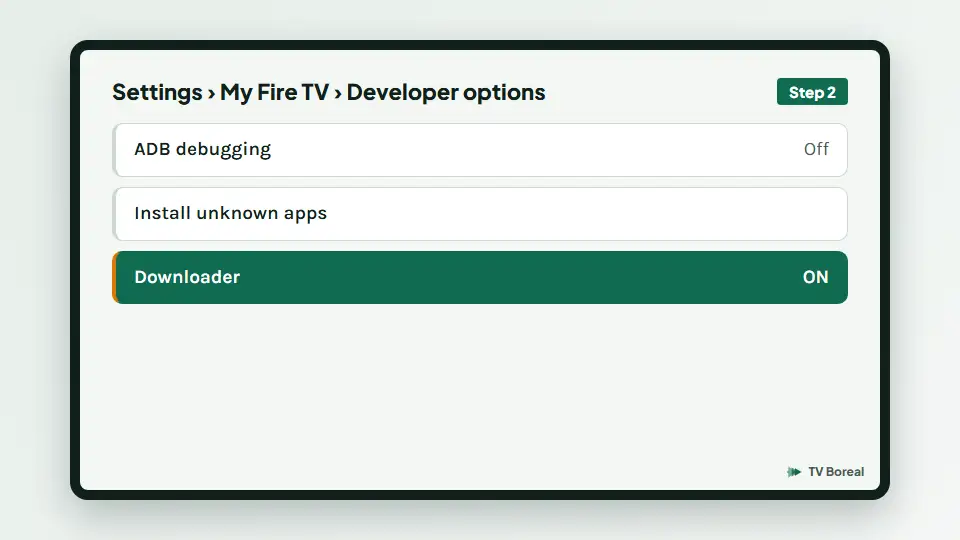
Unlock Developer Options, then allow Downloader
Path: Settings, My Fire TV, About. With the device name in focus, click select 7 times in a row until a pop-up confirms Developer Options. One screen back, open it and enable Apps from Unknown Sources. Newer Fire OS calls the switch Install unknown apps, where Downloader goes to ON.
-
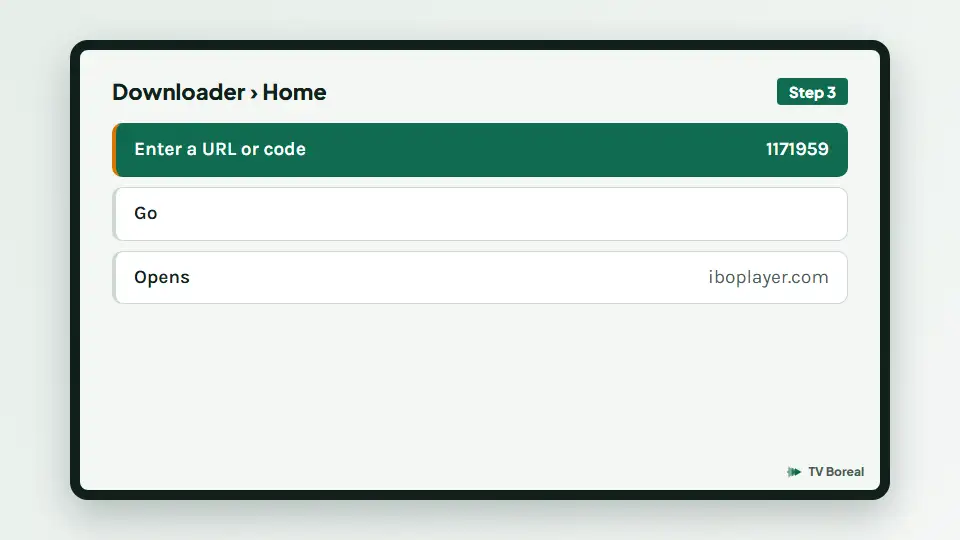
Code 1171959 brings in IBO Player
In Downloader, put 1171959 in the address field and confirm with Go. That pulls IBO Player from iboplayer.com, its maker. Accept Install, then Done, and let Downloader erase the leftover installer.
Code: 1171959
-
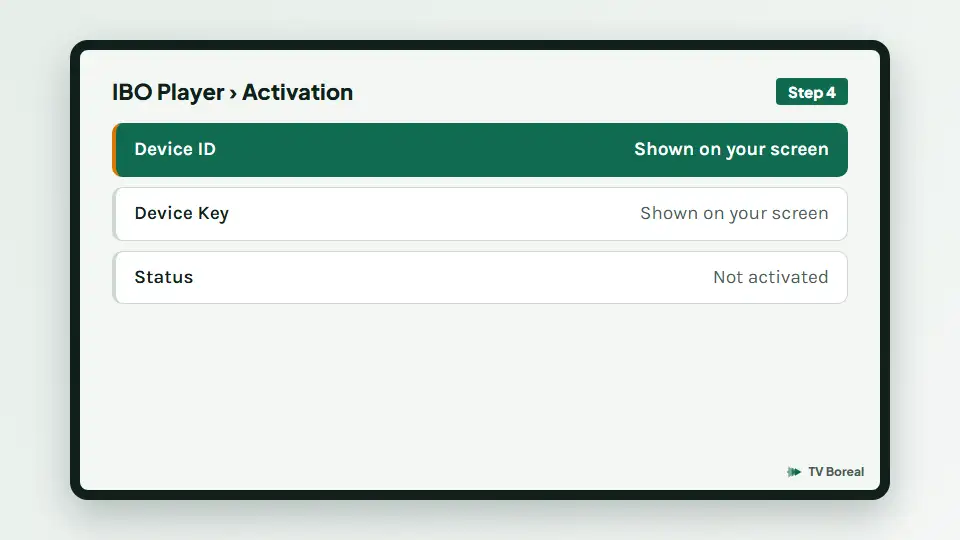
Photograph the two codes on screen
IBO Player opens on an activation page showing a Device ID (some builds say MAC address) and a Device Key. A clear phone photo beats handwriting, since a single wrong character blocks activation.
-
WhatsApp us that photo
Send it with the words IBO Player, so we know the app. We attach both codes to your plan, then answer in the same chat, normally within minutes. Past the 7 free days, any licence fee is between you and the developer.
Send it on WhatsApp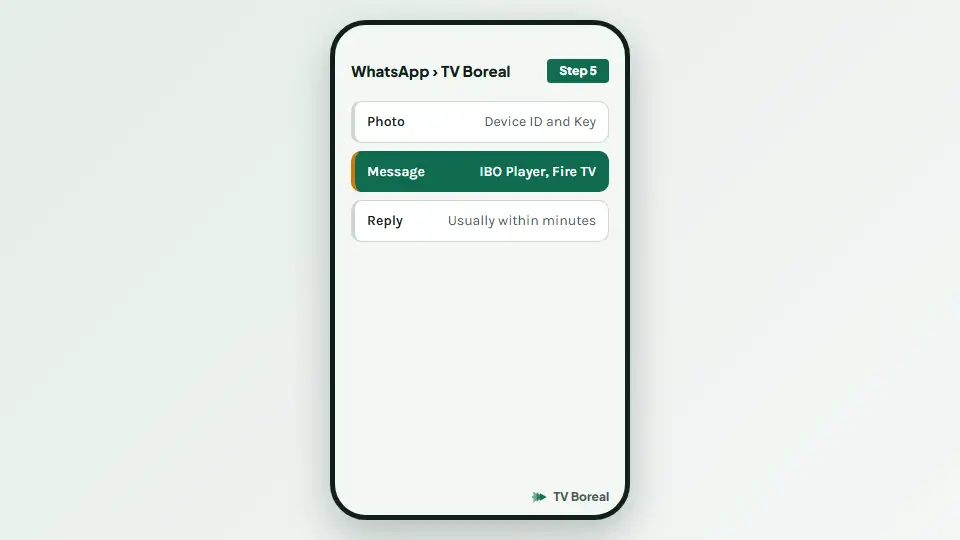
-
Relaunch and pick a channel
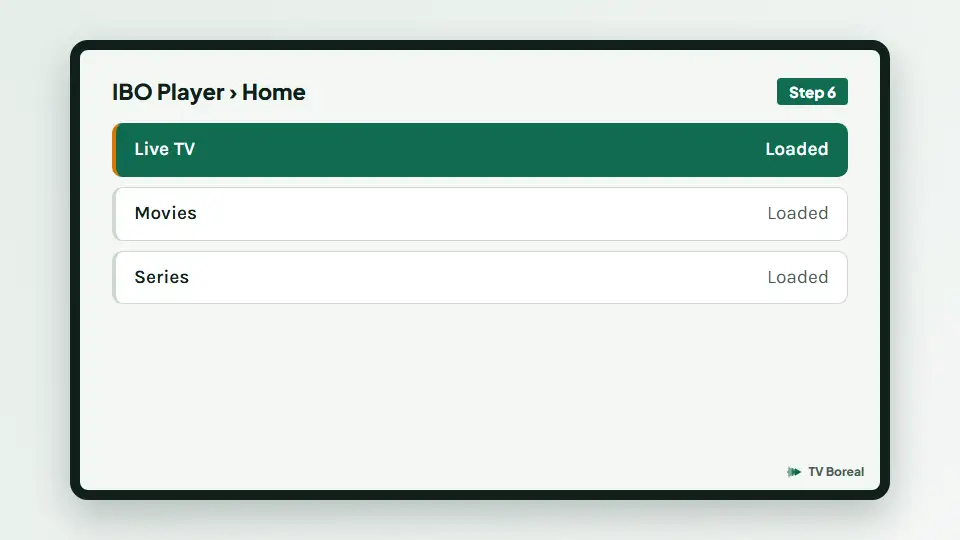
Once we reply, back out of IBO Player completely and launch it fresh. Live TV, movies and series show as separate rows. Empty after a minute? Reboot the stick one time, then try again.

Free app You type it in. No charge for the app. Premium is an optional extra its developer sells.
-
Code 272483 for TiviMate
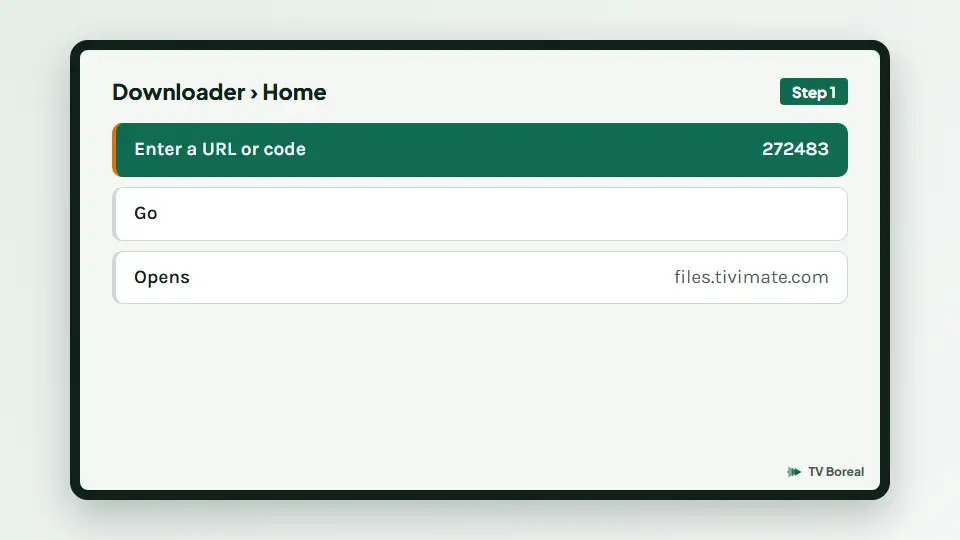
Downloader has to be ready first (IBO Player tab, steps 1 and 2). Grant its storage request, type 272483 on the Home tab and press Go. The file comes from files.tivimate.com, and tivimate.com/download is an equal alternative.
Code: 272483
-
Install, choose Done, delete the file
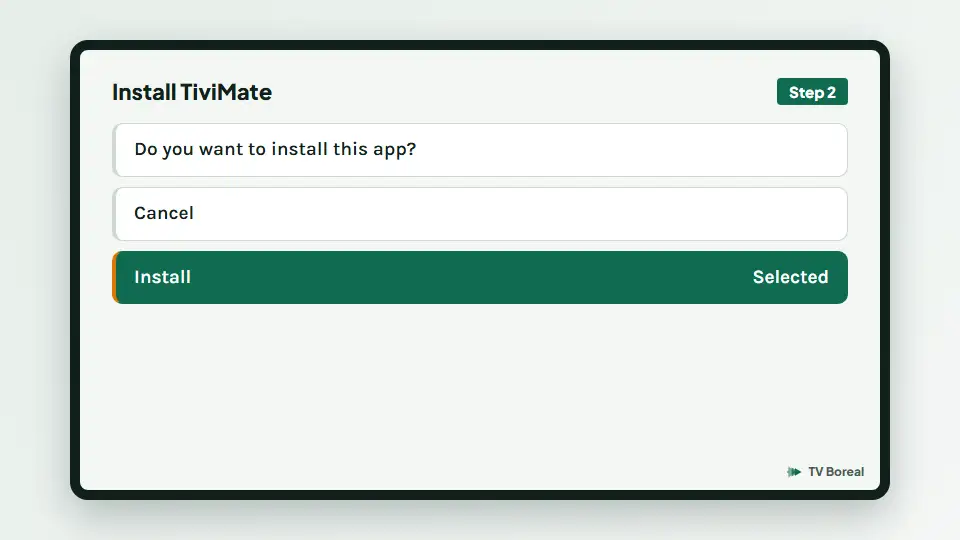
Fire OS asks to install: say yes, then take Done rather than Open. Downloader now offers to remove the installer, so confirm Delete twice to free space. Pin TiviMate to the front row if you like.
-
Add the login as Xtream Codes
Inside TiviMate: Add playlist, then Xtream Codes. Copy server URL, username and password from our WhatsApp message with no stray spaces, then Next. The app reports what it found. A single M3U link also works if you pick that option.

-
Name it, let the guide fill
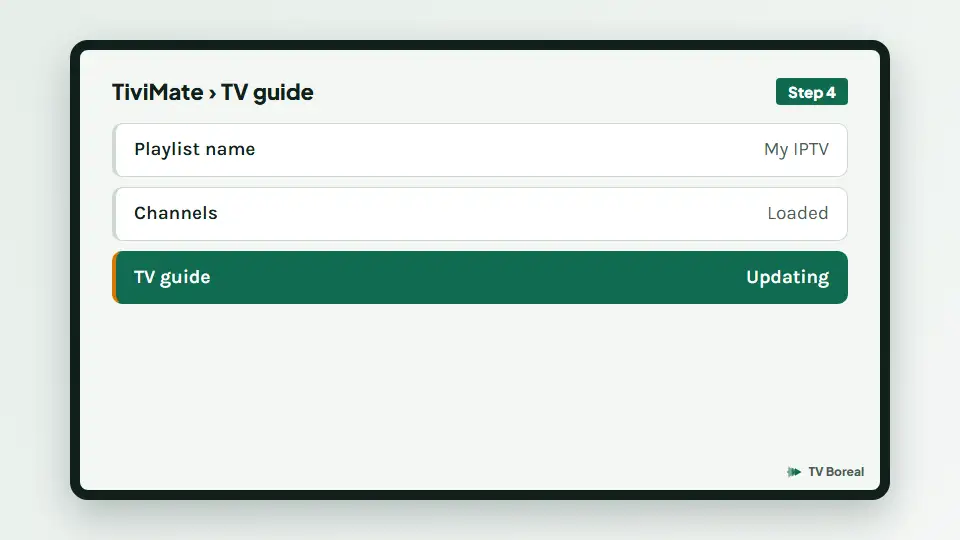
Type a short label for the playlist, then Done. Channels arrive at once, and the TV guide catches up within a minute or two. Play anything to confirm.
Paid app We activate it. 14 days cost nothing. Then the developer bills a single one-time fee per device.
-
Code 82854 for ELK Player
Downloader comes first (IBO Player tab, steps 1 and 2). Type 82854, press Go and the file arrives from elkplayer.com. Install, Done, then delete the installer to save storage.
Code: 82854

-
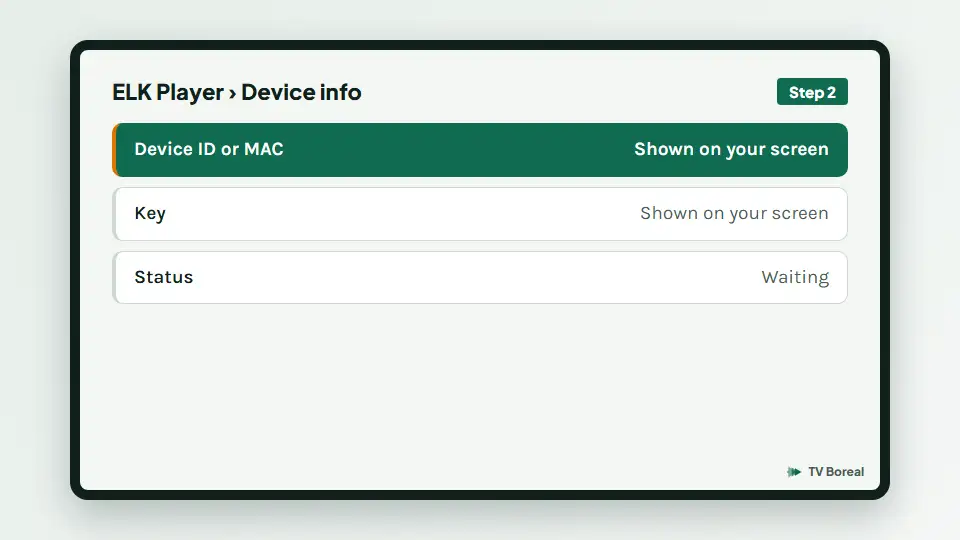
Read the Device ID or MAC and Key
ELK Player opens on a screen listing a Key next to a Device ID or MAC address. Snap a readable photo. Copying by hand? Watch for 0 versus O.
-
Pass it to us on WhatsApp
Message us the photo and name the app. We register it against your plan and answer once it plays. After 14 free days, the one-time fee is paid to the developer, not TV Boreal.
Send it on WhatsApp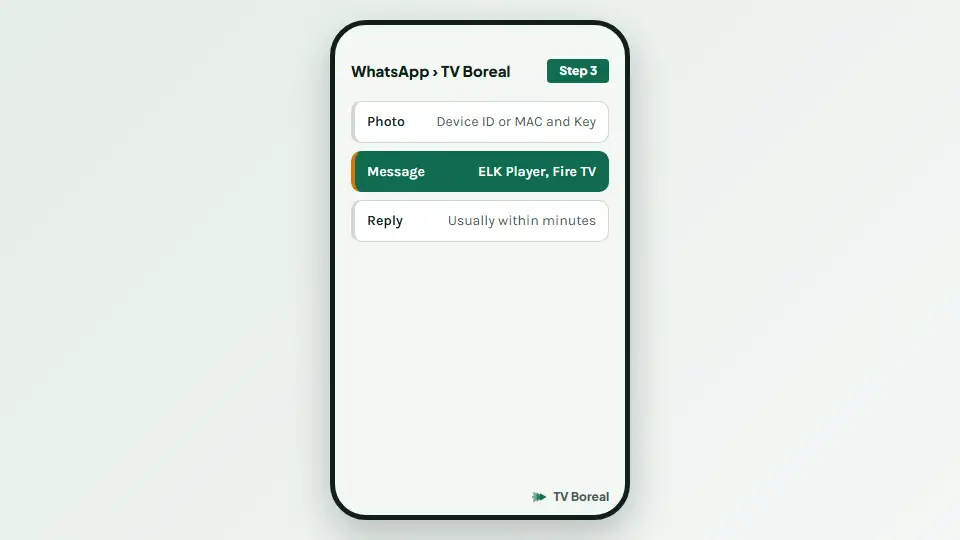
-
Restart ELK Player
Quit fully and relaunch so the new playlist downloads. Still blank after a minute? Clear its cache under Manage Installed Applications and reopen.

Free app You type it in. No charge: the developer offers it free.
-
Type the Smarters address in Downloader
Downloader must already be set up (IBO Player tab, steps 1 and 2). Enter the full address shown here and press Go, which fetches from getiptvsmarters.com. Install, Done, delete the installer.
Code: getiptvsmarters.com/files/android/iptv-smarters-5.0.apk

-
Choose Login with Xtream Codes API
Accept the terms on first launch, then pick that login option. Any profile name works. Username, password and server URL come from our message: keep http:// and the port, because a dropped character is the classic cause of a rejected login.

-
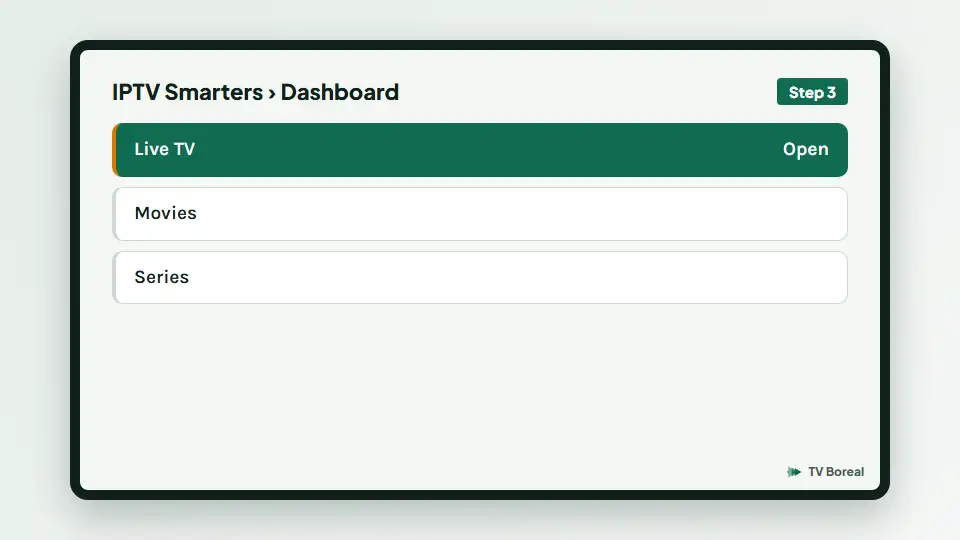
Add user, then watch
Press Add user and allow up to a minute while the lists load on the stick. Open Live TV, choose a category, start a channel. Next launch skips straight to your dashboard.
IPTV on a Firestick needs three things: Downloader, one permission and a player. The tabs above hold every tap for four players, IBO Player first because we do its activation.
Is your stick ready for IPTV on a Firestick?
Three recent models are not. The Fire TV Stick 4K Select, the Fire TV Stick HD (2026) and the Fire TV Stick 4K, 3rd Gen (2026) use Vega OS, which refuses sideloaded apps. Clues: the HD (2026) has Wi-Fi 6, rounded corners and "Fire TV" printed on it. The 3rd Gen 4K ships in a white box with "4K" printed by the HDMI plug.
The sure test sits in Settings › My Fire TV › About, or Settings › Device › Fire TV on newer menus. A version reading "Fire OS" is fine. "OS" plus a version beginning with 1 or 2 is Vega, and Amazon's spec page shows current Vega models as OS 2.0. Own one? Switch to Google TV or Android TV, or ask us before ordering.
| Model | Guide works? | How to tell |
|---|---|---|
| Fire TV Stick 4K Max | Yes | Fire OS, 4K output |
| Older Fire OS sticks and Cubes | Yes | About says Fire OS |
| Fire TV Stick 4K Select | No | Vega OS |
| Fire TV Stick HD, 2nd gen | No | Vega OS |
| Fire TV Stick 4K, 3rd gen | No | Vega OS |
| Fire TV smart TVs | Check About | Fire OS yes, Vega OS no |
Any Fire OS model suits a Full HD set, and the 4K Max shows 4K channels at full resolution on a 4K screen. Formuler owners have a separate Formuler guide.
Before you start
- Stick in the HDMI port, powered, online by Wi-Fi or an Ethernet adapter.
- Bandwidth: 25 Mbps or more for 4K, while FHD and HD ask less. Try our speed test.
- The WhatsApp message holding your M3U link, server URL, username and password. Still without one? See the IPTV subscription Canada plans: 12 months on 1 device is $79.99 CAD.
- Ten minutes and the remote. Typing is easier on the Fire TV phone app keyboard.
It is a one-off job. Later visits mean opening the player, nothing more.
Why Downloader comes first
Every IPTV on a Firestick setup starts here, because Amazon blocks outside apps until you say yes once. Recent Fire OS wants this order: Downloader, then Developer Options (7 presses on the device name under About), then the Install unknown apps switch for Downloader. Steps 1 and 2 of the IBO Player tab cover it in about three minutes, and it never needs redoing, even for a second player.
Which app suits IPTV on a Firestick?
Our pick is IBO Player. One photo, our activation, zero passwords typed with a remote. ELK Player follows the same pattern. Each charges its own per-device fee once the free days run out, payable to the developer. If you want little typing on a Firestick, these two are the easiest options.
| App | Login method | App cost |
|---|---|---|
| IBO Player | We activate it (Device ID and Key) | 7 free days, then a licence per device (yearly or lifetime) |
| TiviMate | You type it (Xtream Codes or M3U) | Free, Premium optional from its developer |
| ELK Player | We activate it (Device ID or MAC and Key) | 14 free days, then a single fee per device |
| IPTV Smarters | You type it (Xtream Codes API) | Free |
TiviMate fits fans of a remote-first guide grid. IPTV Smarters is the no-cost fallback with a basic sign-in, and our IPTV Smarters Pro page says more about it.
Stick to verified codes
Codes passed around forums or video comments can deliver tampered files. A download that promises paid features for free is a cracked copy and may hide malware. Ours map to one maker each: 1171959 to iboplayer.com, 272483 to files.tivimate.com, 82854 to elkplayer.com.
Smarters has no working code. 6468112 leads to a dead domain, so type getiptvsmarters.com/files/android/iptv-smarters-5.0.apk in full. Nothing genuine asks for a card inside Downloader.
Picture and speed tips
IPTV on a Firestick looks and runs better with a few tweaks. Change one thing at a time, since sources vary.
- Settings, Display and Sounds, Display: Video Resolution on Auto, Match Original Frame Rate on where offered.
- Stutter only at channel start? In TiviMate, Settings, Playback, raise the buffer one notch.
- One blocky channel: switch the decoder setting (hardware or software) in the player.
- Busy network: FHD or HD stays steadier than 4K. More in our 4K IPTV post.
- Reboot weekly (Settings, My Fire TV, Restart) and clear caches in Settings, Applications, Manage Installed Applications. The playlist survives.
- Far router? An Ethernet adapter helps, as IPTV Wi-Fi or Ethernet explains.
- Turn off autoplaying previews under Settings, Preferences, Featured Content, and uninstall unused apps.
Quick fixes for an IPTV Firestick
- Buffering: drop to FHD or HD and reboot the router. IPTV buffering has more.
- Typed login refused: recheck URL, username and password. Capitals matter.
- Frozen app: close, reopen, then reboot the stick if needed.
- IBO Player or ELK Player still locked: resend the photo, and we redo the activation on our side.
- Brand-new activation: wait a minute or two before you relaunch.
After the first channel plays
Once IPTV on a Firestick works in one room, a second Firestick with IPTV takes the same steps plus a plan covering two devices. Worth reading next: what is an EPG, IPTV multiple TVs and IPTV box vs Firestick.
Questions about this setup
Can IPTV on a Firestick work on the 4K Select?
No. Vega OS powers the 4K Select, the HD (2026) and the 4K, 3rd Gen (2026), and it refuses Downloader plus every player here. Look under Settings › My Fire TV › About: 'Fire OS' is fine, while 'OS' then a 1 or a 2 means Vega. Use a Google TV or Android TV device instead.
What about the Fire TV Stick Lite or Fire TV Cube?
Fire OS is what matters. Lite, Cube, 4K Max or an older stick: each uses identical Developer Options and Downloader steps. A few menu labels move between versions, and newer menus put the version under Settings › Device › Fire TV instead of About.
Which player do you suggest?
IBO Player for most homes, because we handle activation from one photo and the remote never types a password. ELK Player is a close twin. Prefer an app without a fee? TiviMate and IPTV Smarters accept your login typed once. Every one of them shows the same channels from one plan.
Do the apps cost extra?
Some do, and that money goes to their developers. IBO Player: 7 free days, after which its maker sells a licence per device, by the year or for life. ELK Player: 14 free days, then a single payment per device. IPTV Smarters is free. TiviMate is free too, and Premium is an optional purchase from its developer.
Where does my login come from?
Right after your order, WhatsApp and email bring an M3U link plus the server URL, username and password, normally within minutes. Save that message. It works in all four apps, so changing players later needs no new order. Durations and screen counts sit on the pricing page.
Can two sticks share one plan?
Yes, with a 2-device plan. Every screen streaming at the same moment counts as a device, so a 1-device plan covers one stick at a time. Repeat the Downloader steps on the second stick and add the same login. IBO Player and ELK Player need a separate activation per device.
More setup guides
IPTV on Android TV: setup with Downloader codes
Setup steps for Android TV sets, NVIDIA SHIELD and Android boxes.
IPTV on Google TV and Chromecast with Google TV
This page is for Chromecast with Google TV, the Google TV Streamer and other Google TV devices.
IPTV on Samsung and LG smart TVs, step by step
Built for Samsung sets on Tizen and LG sets on webOS.