IPTV on Windows and Mac computers
A laptop or desktop is a handy second screen: a game in the home office, a series on the desk in a student room. It is also the fastest place to check that everything works on your connection. Below are three desktop options, each with its own short list of steps.
Short answer
Three routes work on a computer. Install IBO Player and send us its Device ID and Key, set up IPTV Smarters at no cost with your Xtream Codes login, or drop your M3U link into VLC as a quick check. Each takes about 5 minutes.
- Device
- Windows PC, Mac, laptops
- Time needed
- About 5 minutes
- Difficulty
- Easy
- Apps covered
- IBO Player, IPTV Smarters, VLC
- What you need
- Your login from WhatsApp
Your app, step by step
We suggest IBO Player. Switch tabs to see the other apps, one full walkthrough per tab.
Paid app We activate it. Nothing to pay for the first 7 days. After that, its developer bills a yearly or lifetime licence for every device.
-
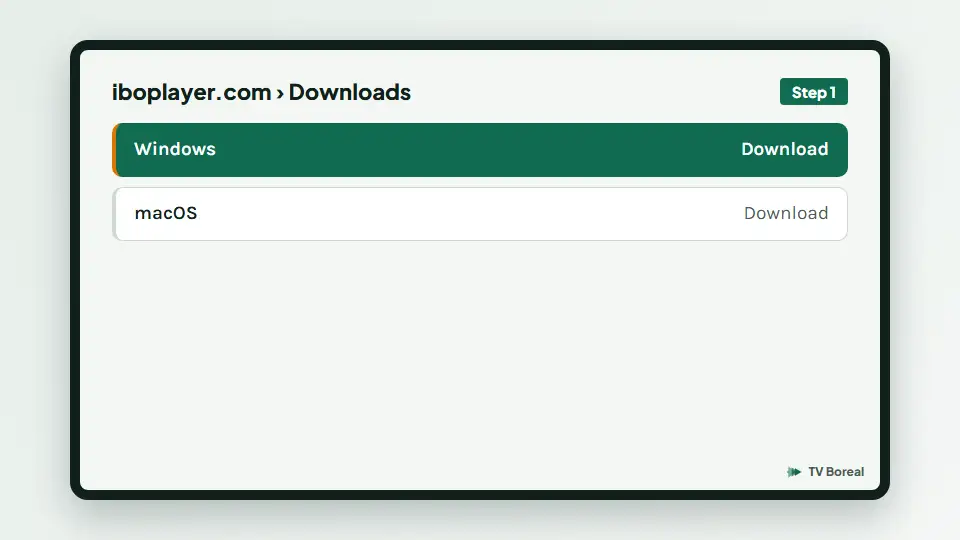
Grab the desktop version of IBO Player
Visit the developer's downloads page through the link on this step. Choose the Windows or Mac build and install it like everyday software.
-
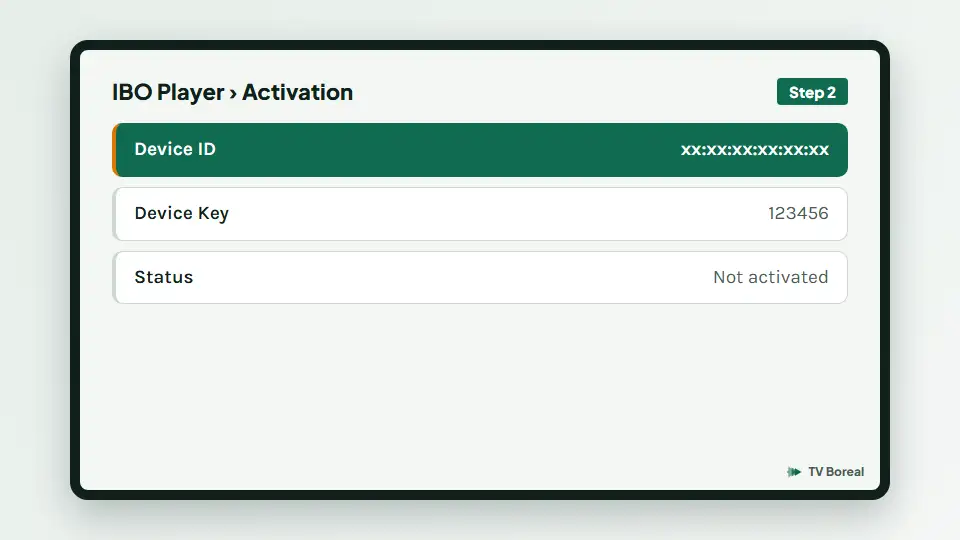
Screenshot the activation codes
Launch IBO Player. A Device ID and a Key sit on its first screen. Save a capture of them (PC: Windows+Shift+S. Mac: Command+Shift+4).
-
Get the picture to us on WhatsApp
Use WhatsApp on your phone or WhatsApp Web on the computer. Send the screenshot, mention IBO Player, and we confirm, normally a few minutes later.
Send it on WhatsApp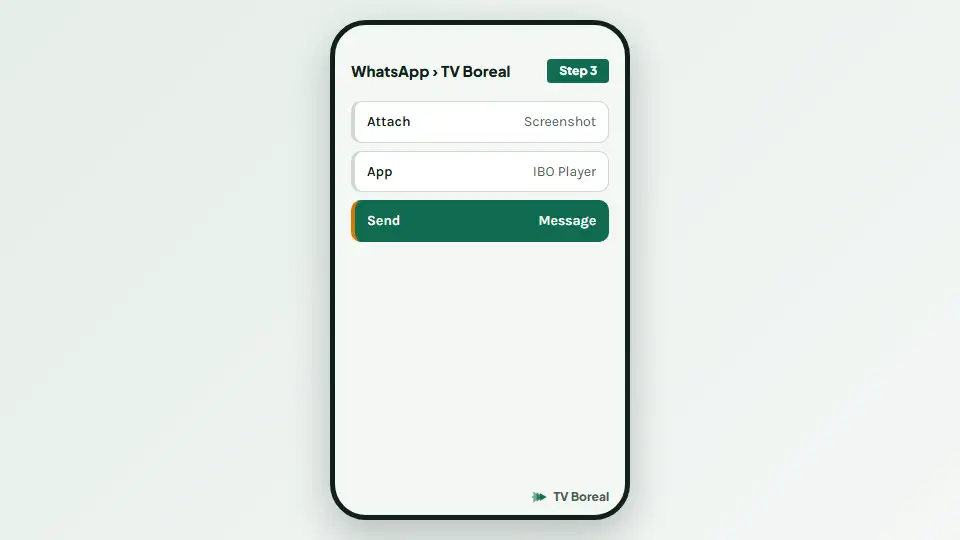
-
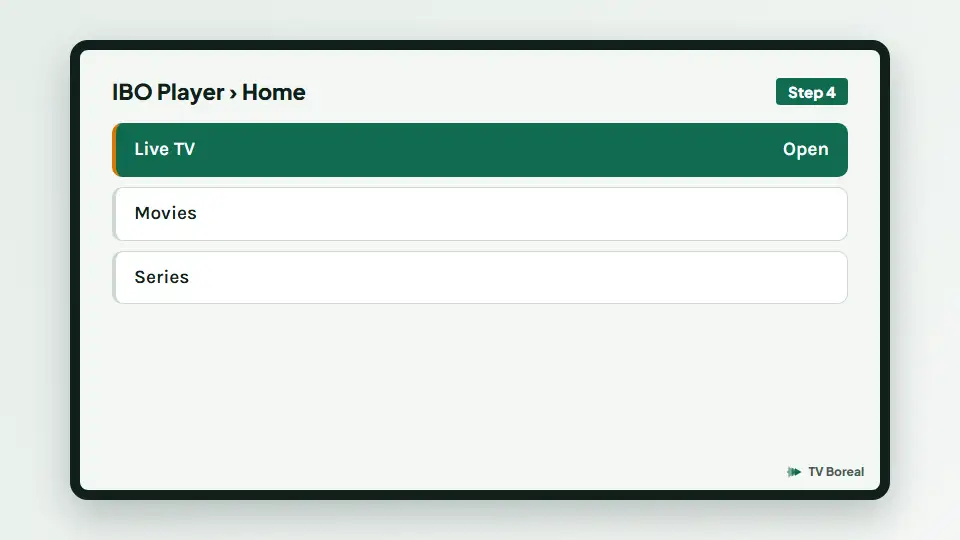
Quit IBO Player and start it again
Close the program fully, then open it. Your channels are listed now. If the list is bare, wait one more minute and relaunch.

Free app You type it in. A free desktop program, downloaded from its developer's own site.
-
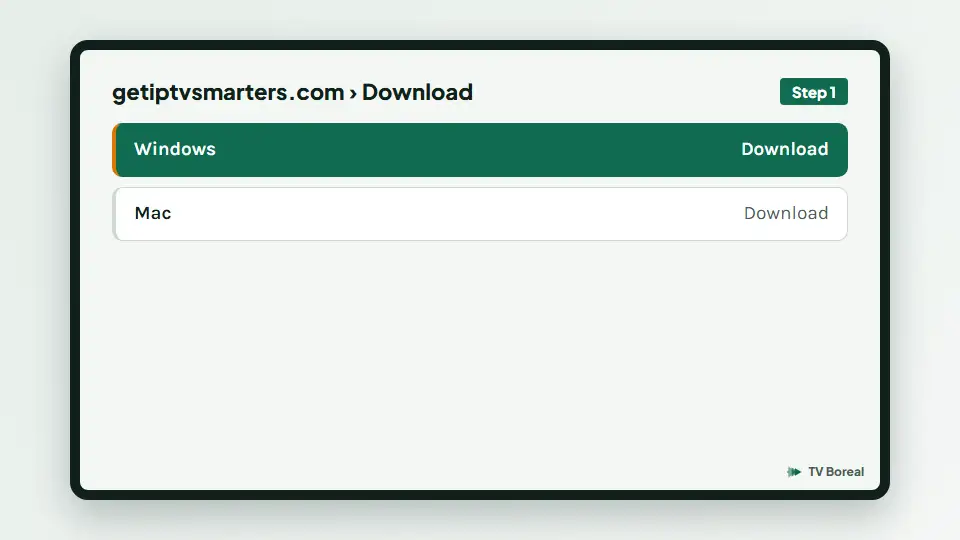
Download the IPTV Smarters installer
The link on this step opens the developer's download page. Take the file that matches your computer.
-
Install it, then launch it
On Windows, run the installer. On a Mac, drag the app into Applications. Then start it. A security warning? The troubleshooting part of this page explains what to do.

-
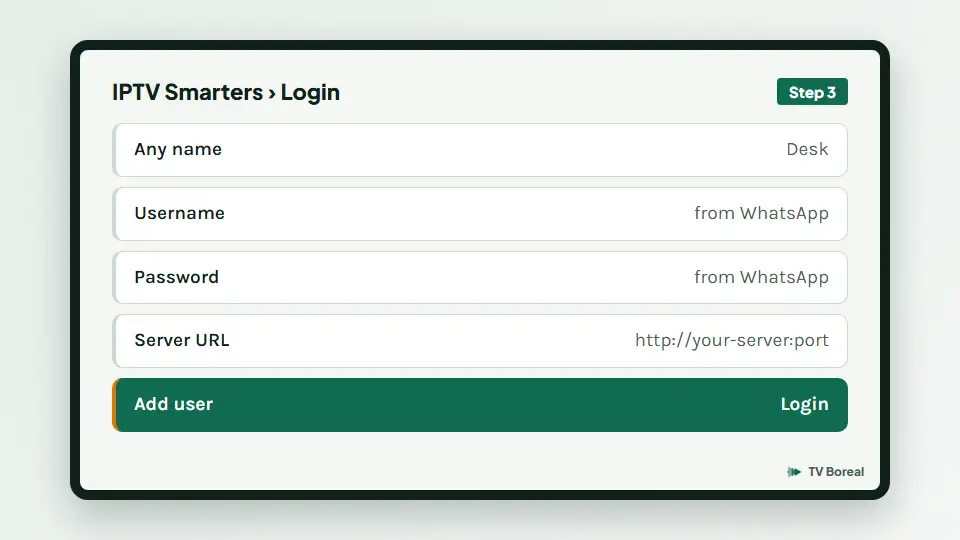
Sign in through Xtream Codes
Pick Login with Xtream Codes API. Name the profile however you like, add the username, password and server URL we sent, then click Add user.
Free app You type it in. Free, open-source software. It opens the M3U link but shows no TV guide.
-
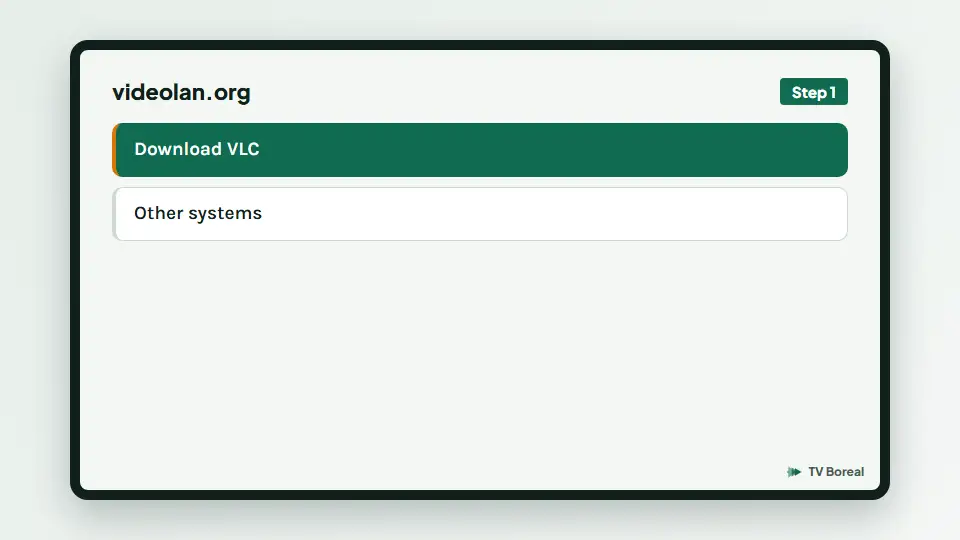
Put VLC on the computer
Download VLC from VideoLAN, the project's own site, and install it.
-
Copy the M3U link from WhatsApp
In our WhatsApp message, select the whole M3U link, first character to last, and copy it.

-
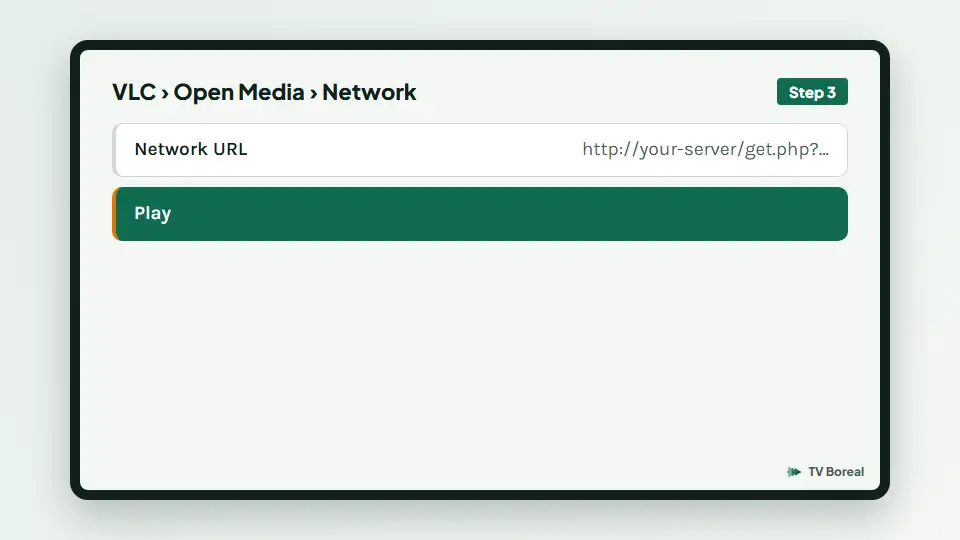
Paste it as a network stream
On Windows, go to Media, Open Network Stream. On a Mac, go to File, Open Network. Paste the link and press Play.
-
Double-click a channel
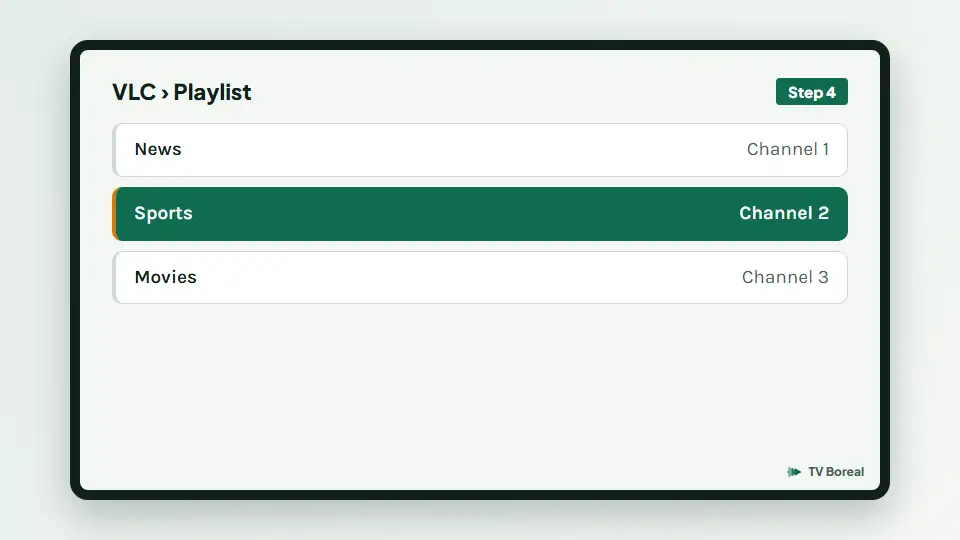
Bring up VLC's list view to see every channel, then double-click the one you want. VLC has no guide, so only channel names appear.
Before you start
Four items make a desktop setup painless. Bonus: no screen in the house tests the service faster.
- Your PC or Mac, up to date, with the right to install programs. A work laptop may block that.
- A solid line. A network cable beats Wi-Fi on a desk, and 4K wants 25 Mbps or better, held steady. See IPTV on Wi-Fi or Ethernet for the trade-offs.
- The WhatsApp message with your login. It lists four items: server URL, username, password, plus an M3U link. No plan yet? Plans and prices begin at $79.99 CAD for a year on one device, and the login arrives on WhatsApp minutes after you order.
- About 5 minutes for the steps, or nearer 10 with the download.
You do this once. Next time, open the program and pick a channel. Phones and TVs have their own walk-throughs in the setup guides hub.
Choosing a desktop player
IBO Player feels most complete on a computer: a proper channel layout, a TV guide, and activation done by us from the Device ID and Key. IPTV Smarters, at no charge, also shows a guide; you key in the login yourself. VLC costs nothing and starts fast, so it makes a great test tool. Without a guide, though, it fits a quick look better than nightly viewing.
| Option | App cost | TV guide | How the login gets in |
|---|---|---|---|
| IBO Player | Developer licence after 7 days | Yes | We activate it |
| IPTV Smarters | Free | Yes | You type it |
| VLC | Free, open source | No | You paste the M3U link |
More on the Smarters app, including its other versions, is on our IPTV Smarters Pro page.
Tip: Start with VLC. Feed it the M3U link, then try a single channel. Smooth picture? Then line and login both check out, so go ahead and install IBO Player or IPTV Smarters for the guide.
VLC, a desktop app or the browser?
For regular viewing, go with a desktop app. IBO Player and IPTV Smarters bring categories, the TV guide, movies and series into one window. VLC opens the M3U link reliably, yet it builds no program guide: expect a long column of names plus a picture that plays. That is the whole offer, and people miss the guide more than anything else. Our explainer what is EPG shows what that guide adds.
A browser is the weakest choice of the three. Most streams simply refuse to run in an ordinary tab. And any web player wanting your login is a stranger's site holding your details. Use an installed program from a link on this page.
Careful: Keep your login away from web players and unofficial download sites. Say yes to a SmartScreen or macOS prompt solely for files fetched through this guide's links.
Want the big screen? Run an HDMI cable from the laptop to the TV, then slide the player window over to that display. For nightly use, an app on the TV is simpler. The Samsung and LG smart TV guide lists the players for those sets, and the Fire TV Stick guide covers the stick.
Fixing common Windows and Mac problems
Most desktop snags come from security warnings, a pasted link that lost a character, or a busy computer.
Windows stops the installer
Microsoft Defender SmartScreen flags programs it sees less often. Once sure the file came via this page, click More info, then Run anyway. Should antivirus software quarantine it, restore it only when you trust the source. In doubt, download it again.
macOS will not open the app
macOS holds back apps from developers it does not recognize. Attempt to launch it a single time first. Next, in System Settings, Privacy and Security, look near the bottom for Open Anyway next to the app, click it and enter your password. Reserve this for files fetched through our links.
VLC shows nothing
A link missing even its final character breaks. Reopen the network window, then paste a new copy straight from WhatsApp. Channel names appear with Ctrl+L (Windows) or Command+L (Mac).
The picture stutters
Shut down programs and tab-heavy browsers you are not using, and plug in a network cable if you can. Older laptops can choke on 4K decoding, so pick a channel's FHD or HD version. Flipping the player's hardware acceleration setting, in either direction, sometimes cures it. The IPTV buffering post goes further.
The login fails
Suspect a stray space or one swapped letter first. Copy the server URL on its own and paste it, then repeat for username and password. The URL should open with http and keep its port number when ours shows one.
There is no sound
Look at the output device in the system sound settings, since a monitor or a headset may have grabbed it. Next, open the player's audio menu and try another track. VLC's Audio menu handles the two at once: track choice and output device.
Questions about this setup
Which desktop app gives the fullest experience?
IBO Player. On a computer it lays out live channels, the TV guide, movies and series much like a TV app, and we handle the activation from your Device ID and Key. IPTV Smarters comes close and costs nothing. VLC stays the quick test, handy for confirming your line and login before you settle on a player.
Is VLC a good player for IPTV?
For a check, yes. VLC opens the M3U link without fuss, but it skips the TV guide, catch-up and a library view for movies. Use it to prove the service runs on your connection, then move to IBO Player or IPTV Smarters if you plan to watch on the computer every week.
Where should I download IPTV Smarters for a PC or Mac?
Only from the link in the IPTV Smarters steps on this page, which goes to the developer's own download. Ignore copies hosted elsewhere or posted in forums. Should SmartScreen or macOS raise a warning, approve it only once you know that link was the source.
Does IBO Player cost money on a computer?
After its first 7 days, yes. The developer then sells a yearly or lifetime licence for each device, and that money goes to the developer, not into your TV Boreal plan. Check the current amount on the developer's site before you buy.
Can a laptop and a TV play at once on one plan?
They can, if the plan covers two devices or more. A 2-device plan lets the laptop in the office and a Fire TV Stick in the den play together. Each screen needs a player with the login. With IBO Player, every device has its own Device ID and Key, so send us both.
What about a browser tab?
We advise against it. An ordinary tab refuses most streams, and a web player wanting your login is a stranger's site holding your details. A program installed from the links on this page is safer and plays far more smoothly.
More setup guides
IPTV on iPhone and iPad, step by step
Live TV, movies and series fit nicely on an iPhone or iPad, whether you sit on the couch, in the kitchen or at the cottage.
IPTV on an Android phone, step by step
The phone in your pocket is often the quickest screen to get going: no remote, no HDMI cable, just an app.
IPTV on Samsung and LG smart TVs, step by step
Built for Samsung sets on Tizen and LG sets on webOS.