IPTV on Android TV: setup with Downloader codes
Setup steps for Android TV sets, NVIDIA SHIELD and Android boxes. Each tab holds one player, with codes for devices that lack Google Play. Google TV and Chromecast owners have a separate page.
Short answer
Most Android TV sets and boxes install the players straight from Google Play, and boxes without a store use Downloader with a verified code. IBO Player is our pick: photograph its Device ID and Key for us, and activation happens on our side. Allow about 5 minutes.
- Device
- Android TV sets, NVIDIA SHIELD, Android boxes (Google TV has its own guide)
- Time needed
- About 5 minutes
- Difficulty
- Easy
- Apps covered
- IBO Player, TiviMate, ELK Player, IPTV Smarters
- What you need
- Your login from WhatsApp
Your app, step by step
We suggest IBO Player. Switch tabs to see the other apps, one full walkthrough per tab.
Paid app We activate it. 7 days cost nothing. Then the developer bills a yearly or lifetime licence, one per device.
-
Get Downloader, then permit it
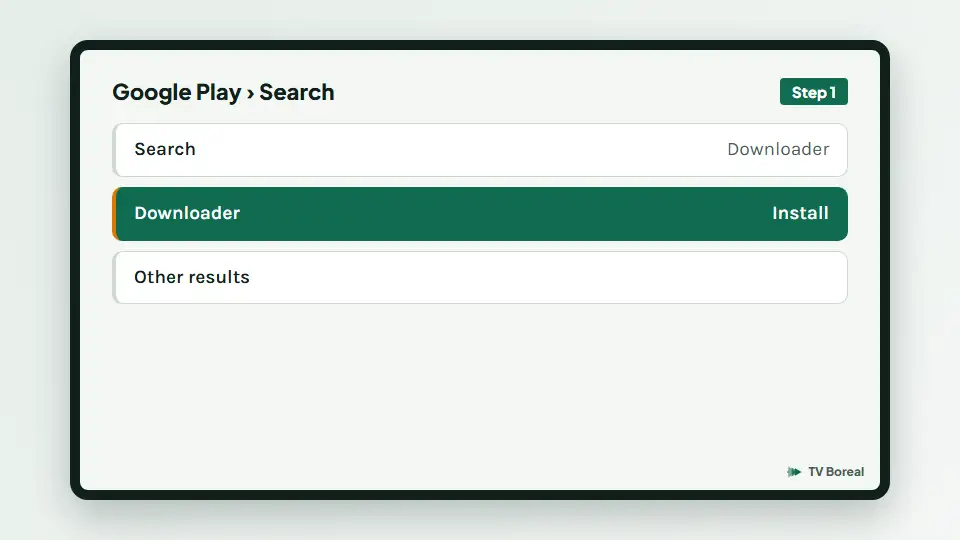
Downloader is free in Google Play. After it installs, go to Settings, then Apps; under Special app access sits Install unknown apps, where Downloader gets switched on.
-
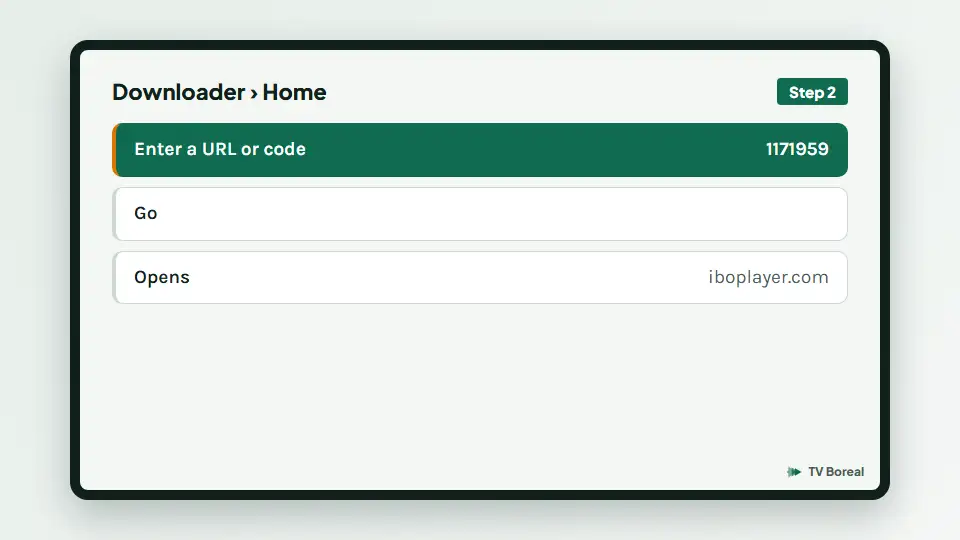
Type 1171959
Launch Downloader, enter 1171959 and press Go. The IBO Player file comes from iboplayer.com, so install it when the system asks.
Code: 1171959
-
Snap the Device ID and Key
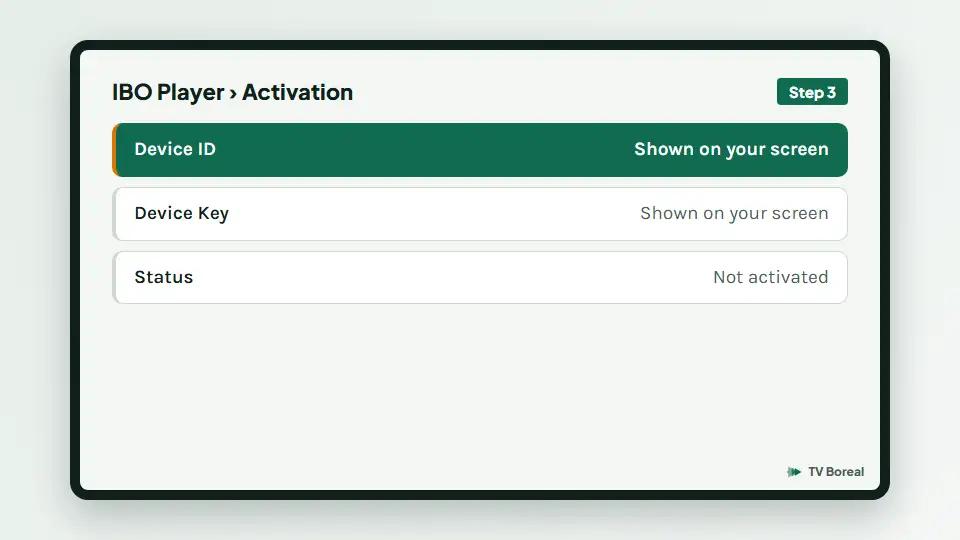
IBO Player's first screen carries both codes. Photograph them with a phone, because that picture is what you send us.
-
Send the picture on WhatsApp
Add a note saying IBO Player. We pair the codes with your plan and confirm, normally within minutes. Once 7 free days pass, the app fee belongs to the developer.
Send it on WhatsApp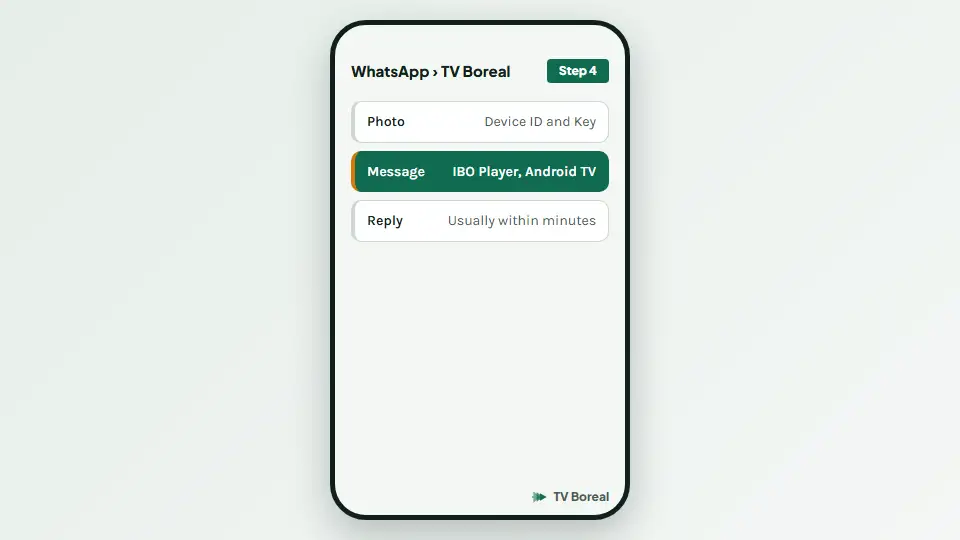
-
Relaunch to watch
Shut IBO Player fully and start it again for the channel rows to load. Blank list? Give it sixty seconds, then relaunch.


Free app You type it in. No charge for the app. Premium is an optional extra its developer sells.
-
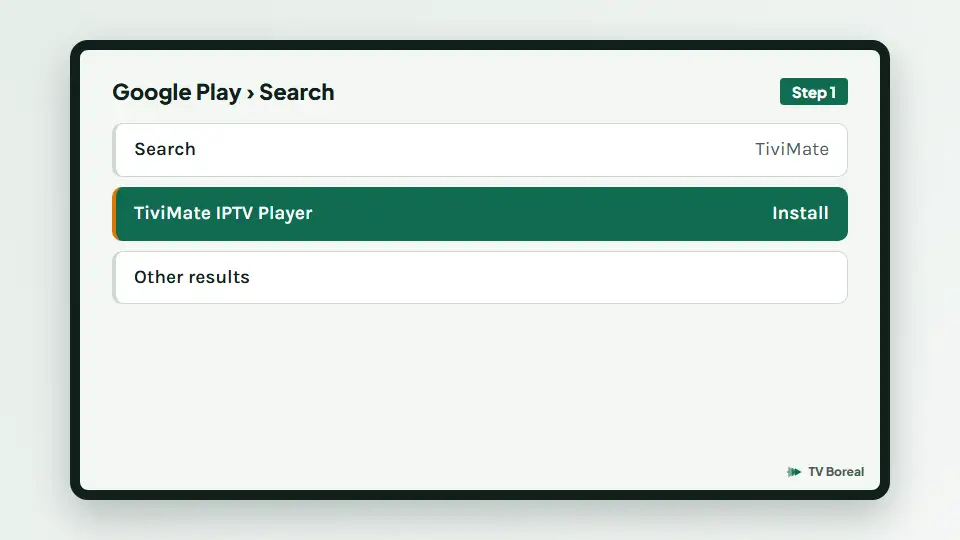
Look up TiviMate on Google Play
Google TV and most Android TV devices list it in Google Play. No store on your box? Use Downloader with code 272483 instead, or type tivimate.com/download.
Code: 272483
-
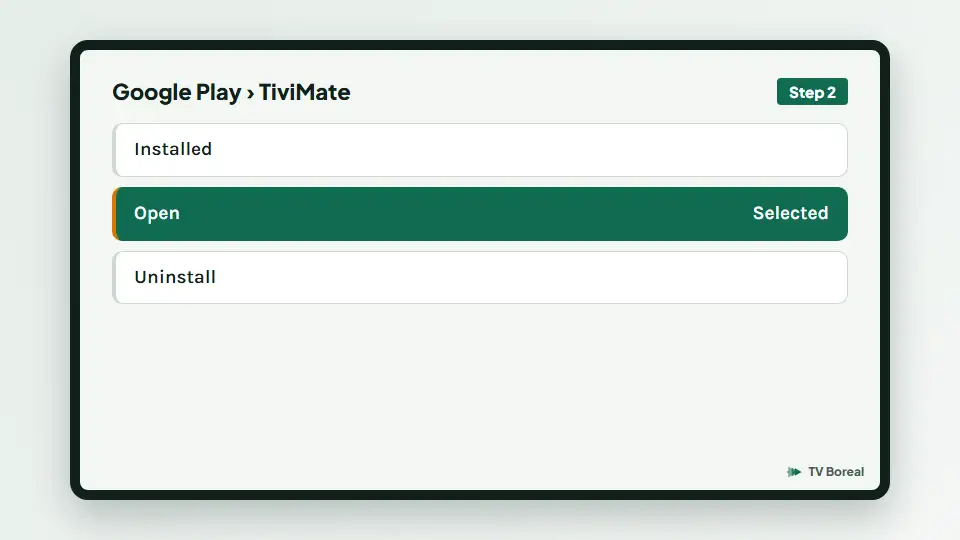
Install, then open
From Google Play: Install, then Open. Through Downloader: Install on the system prompt, Done, and remove the installer file.
-
Enter the login
Choose Add playlist, then Xtream Codes, and copy the server URL, username and password from our WhatsApp message. An M3U link is the one-field alternative.

-
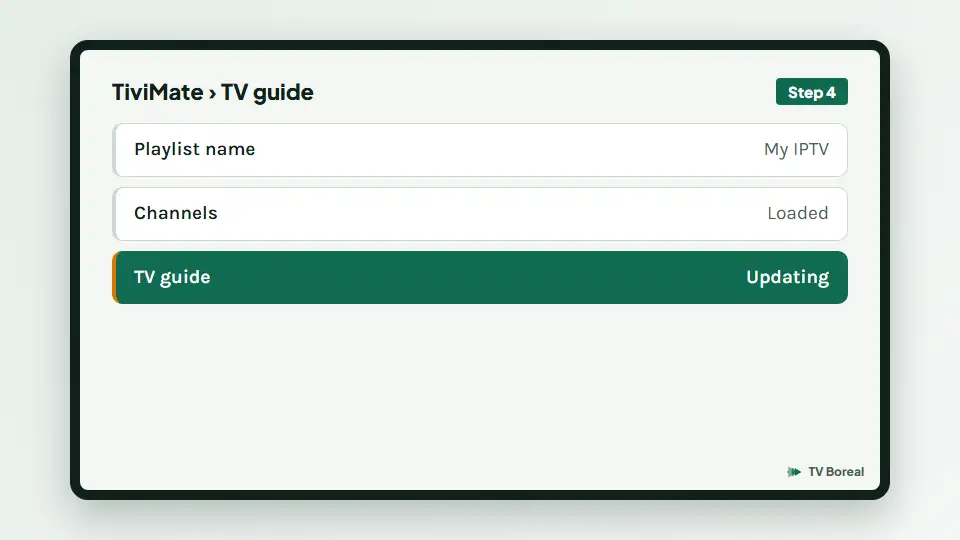
Give the guide a moment
Name the playlist, press Done and allow a minute or two for the TV guide. Still empty? The fixes further down help.
Paid app We activate it. 14 days cost nothing. Then the developer bills a single one-time fee per device.
-
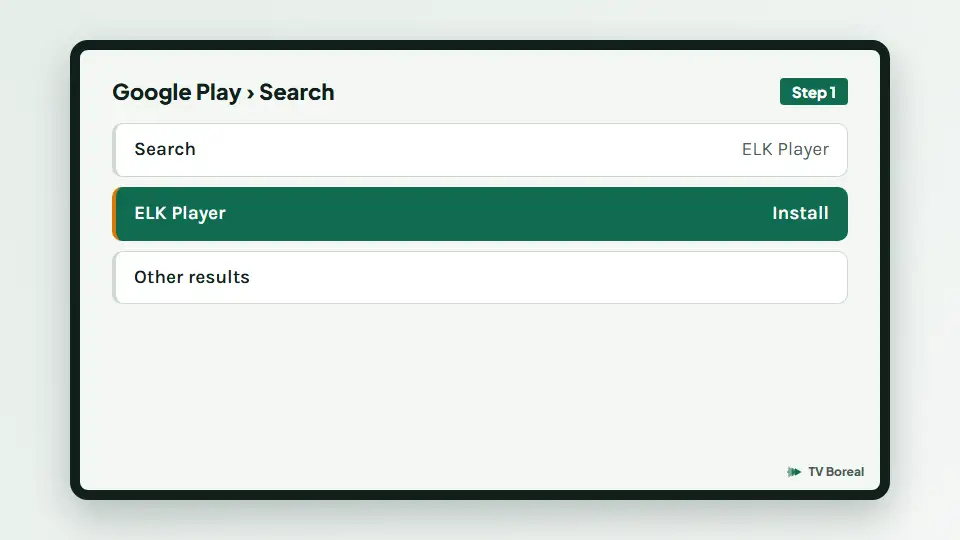
Get ELK Player from Google Play
Search ELK Player in Google Play and install it. Downloader with code 82854 is the backup route.
Code: 82854
-
Photograph its codes
On launch, ELK Player lists a Key beside a Device ID or MAC. Take a photo where every character is sharp.

-
WhatsApp the photo
Mention ELK Player in the message. We register it and write back when it works. Past the 14 free days, its fee goes to the developer.
Send it on WhatsApp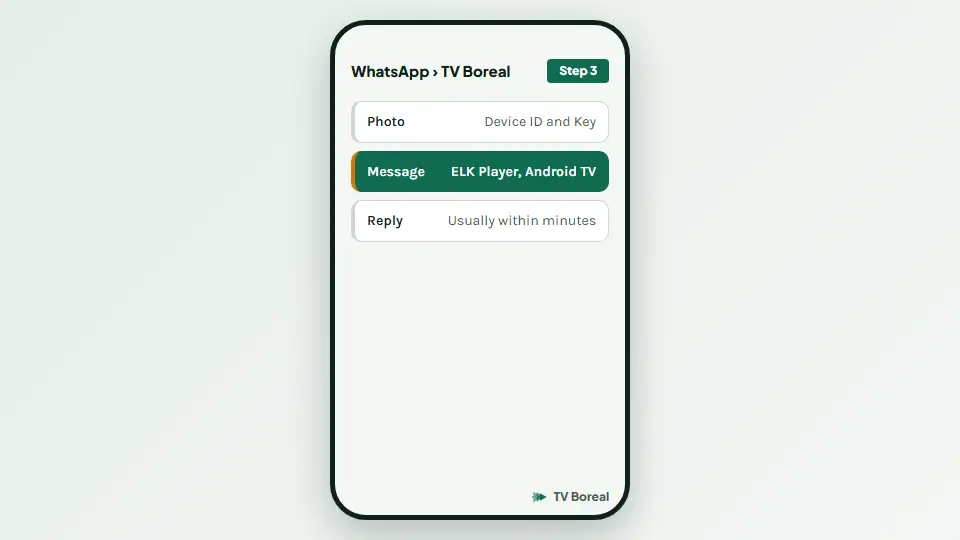
-
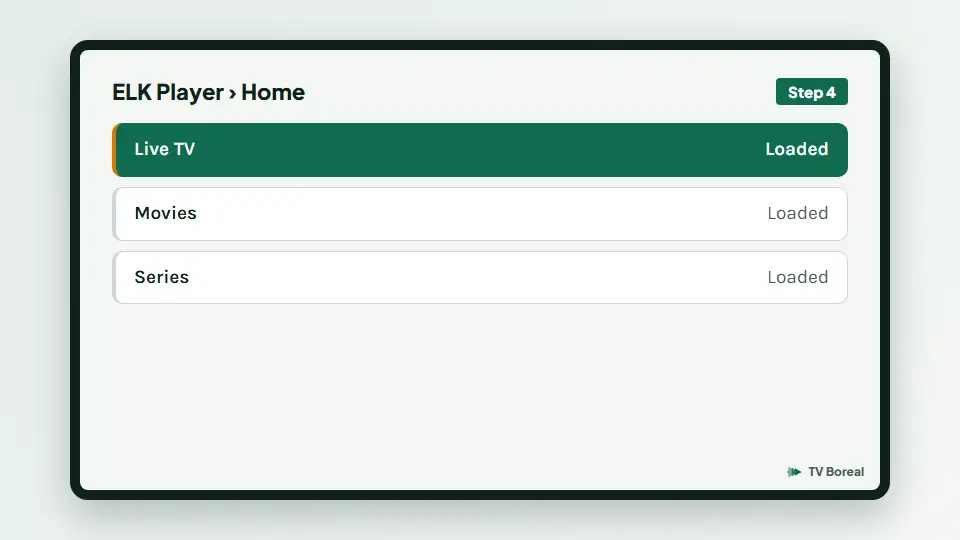
Restart and watch
Quit ELK Player all the way, relaunch, and the channel rows fill in.
Free app You type it in. No charge: the developer offers it free.
-
Install IPTV Smarters
Take Google Play if your device lists it. If not, Downloader accepts the full address shown here, straight from the developer.
Code: getiptvsmarters.com/files/android/iptv-smarters-5.0.apk

-
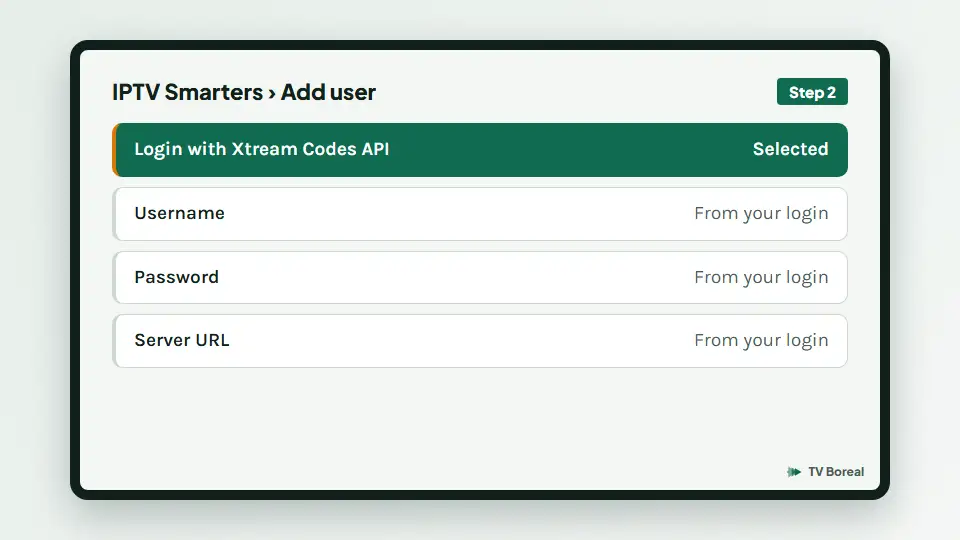
Sign in with Xtream Codes
Pick Login with Xtream Codes API and name the profile anything. Then type the username, password and server URL from our message, and finish with Add user.
Android TV makes the job easy, because most sets and boxes have Google Play built in. No store? Downloader plus a verified code gets you the same apps. This page covers Android TV sets, NVIDIA SHIELD and generic boxes, while Google TV and Chromecast have their own guide.
Before you start
- The TV, SHIELD or box hooked up to the screen and to your home network.
- 25 Mbps or more, held steady, if you want 4K. Test your line first.
- Your WhatsApp login: M3U link, server URL, username, password. None yet? Plans start from $5.62 CAD a month on the IPTV subscription Canada page.
- About 5 minutes per app.
Setup happens once. Next time, you simply pick the player from the home row.
Which app should you pick?
IBO Player goes first: we activate it from a photo, so the remote types nothing. ELK Player follows the same idea with a different layout. Both carry their own per-device fee after the free days, paid to the developer.
TiviMate costs nothing, suits a remote and shows a full guide grid. Its developer sells Premium as an optional extra. IPTV Smarters is free with a plain sign-in, explained on our IPTV Smarters Pro page. For a deeper comparison, read about the best IPTV for Android TV box owners.
| App | Install route | Downloader code |
|---|---|---|
| IBO Player | Downloader | 1171959 |
| TiviMate | Google Play or Downloader | 272483 |
| ELK Player | Google Play or Downloader | 82854 |
| IPTV Smarters | Google Play if listed, or Downloader | getiptvsmarters.com/files/android/iptv-smarters-5.0.apk |
Android TV sets and boxes
Sony and Philips TVs, and boxes like the Xiaomi Mi Box, ship with Google Play, so the apps install from the store. Model hides an app? Open Settings, then Device Preferences, then Security and restrictions, where Unknown sources lets Downloader in. Then type the code.
For the network, wired wins, and 5 GHz Wi-Fi beats 2.4 GHz. For 4K, that matters more than any app option. Then load your login as an Xtream Codes entry.
Google TV and Chromecast with Google TV
Google TV sits on top of Android, so the same apps and codes apply. Chromecast with Google TV and the Google TV Streamer keep the Unknown sources switch out of sight until developer mode is on. Our Google TV and Chromecast guide walks through it.
NVIDIA SHIELD
The SHIELD copes with 4K easily. Match content frame rate, under display and sound, makes sport and film move smoothly. TiviMate Premium adds its own auto frame rate on top. Wire it to the router where possible: a stable cable outdoes fast Wi-Fi for 4K. Our 4K IPTV post covers the rest of the chain.
Android boxes without a store
Plenty of generic boxes arrive without Google Play. Fetch Downloader one time through whatever store the box maker provides, and accept the Install unknown apps prompt. Then type a verified code: 1171959 for IBO Player, 272483 for TiviMate, or the full Smarters address. Every code lands on the developer's file, not a copy hosted elsewhere. Low-memory boxes run better with a weekly restart.
Grant Install unknown apps to Downloader alone. Ignore codes from forums or video comments: they can open altered files, and an app sold as a free unlock of paid features is a cracked copy that may carry malware.
Fixes for common problems
- Buffering on Wi-Fi: move to Ethernet or 5 GHz, bring the box nearer the router, or pick FHD or HD. See IPTV buffering for more.
- Typed login refused: compare the server URL, username and password with our message. Capitals count.
- App frozen: close it, reopen it, and restart the device if needed.
- IBO Player or ELK Player not active: resend the photo, and we redo the activation on our side.
A fresh activation can need a minute or two before channels show.
More screens at home
One login covers several devices, up to your plan's screen count, since each screen playing at the same moment counts. Add the app and the login on the next device and you are done. Read IPTV multiple TVs for planning, or see IPTV on a Firestick for an easy second screen.
Questions about this setup
Does this guide cover Google TV?
Only in part. Google TV runs Android underneath, so the same apps install from Google Play and the same codes work. Some Google TV builds hide the Unknown sources switch until developer mode is on, and our separate Google TV and Chromecast guide shows how to turn that on.
Can one login run on two Android TV devices?
Yes, as long as your plan has enough screens. With a 1-device plan, only one screen plays at once. On device two, repeat the app install and enter the same login; that is the whole job. Plans for 2 and 3 devices are listed on our pricing page.
Which Downloader code do I need?
1171959 opens IBO Player, 272483 opens TiviMate and 82854 opens ELK Player. IPTV Smarters has no code, so type getiptvsmarters.com/files/android/iptv-smarters-5.0.apk in Downloader. Every one leads to the developer's own file. Grant Downloader the Install unknown apps permission before your first install.
Is NVIDIA SHIELD a good pick for 4K?
Yes, it copes with 4K well. Switch on match content frame rate, found in display and sound settings, and plug a cable into its Ethernet port if possible. For 4K, a stable wire beats raw Wi-Fi speed, and the line needs 25 Mbps or more.
Do the player apps cost money?
Two do, and that money goes to their developers. IBO Player gives 7 free days, then sells a licence per device, by the year or for life. ELK Player gives 14 free days, then takes a single payment per device. TiviMate and IPTV Smarters are free, and TiviMate Premium is optional.
My box has no Google Play. What now?
Get Downloader one time through the app store your box maker supplies. Give it the Install unknown apps permission, then type one of our verified codes. You get the developer's own file, the same app a store would give you. Restart low-memory boxes about once a week so they stay responsive.
More setup guides
IPTV on Google TV and Chromecast with Google TV
This page is for Chromecast with Google TV, the Google TV Streamer and other Google TV devices.
IPTV on a Firestick: set it up step by step
IPTV on a Firestick, from an empty home screen to a playing channel.
IPTV on Samsung and LG smart TVs, step by step
Built for Samsung sets on Tizen and LG sets on webOS.