IPTV on Samsung and LG smart TVs, step by step
Built for Samsung sets on Tizen and LG sets on webOS. Three players get a tab each, and we activate every one of them from a code your screen displays. Keep a phone handy, because a single photo does most of the work.
Short answer
On Samsung and LG, the store built into the TV supplies the player, which then displays a code for that screen. Install IBO Player, take a photo of the code, send it on WhatsApp, and we switch your plan on. The remote never has to spell out a password.
- Device
- Samsung (Tizen) and LG (webOS)
- Time needed
- About 10 minutes
- Difficulty
- Easy
- Apps covered
- IBO Player, ELK Player, Set IPTV
- What you need
- The TV, plus a phone that has WhatsApp
Your app, step by step
We suggest IBO Player. Switch tabs to see the other apps, one full walkthrough per tab.
Paid app We activate it. 7 days cost nothing. Then the developer bills a yearly or lifetime licence, one per device.
-
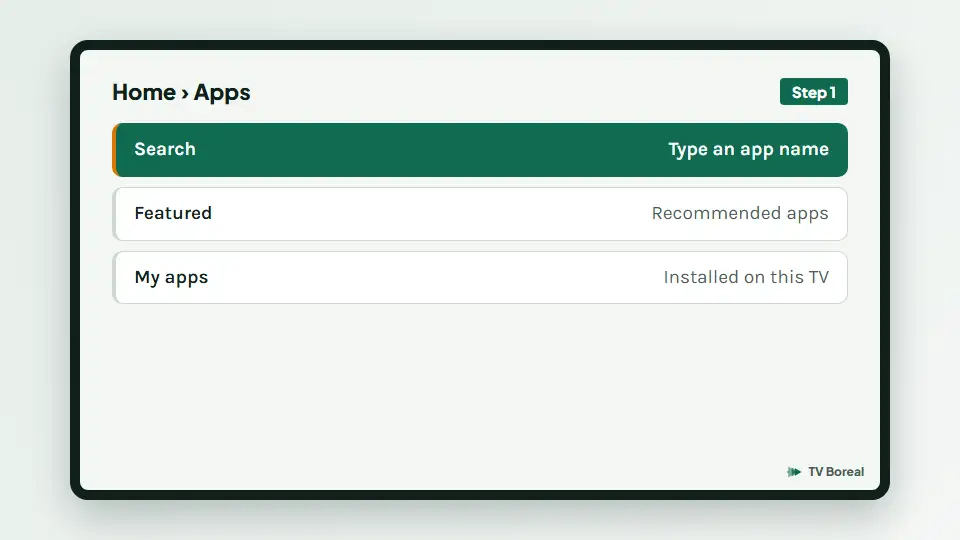
Go to the TV's app store
Samsung: Home, then Apps, then the magnifier up in the right-hand corner. LG: Home, then the LG Content Store.
-
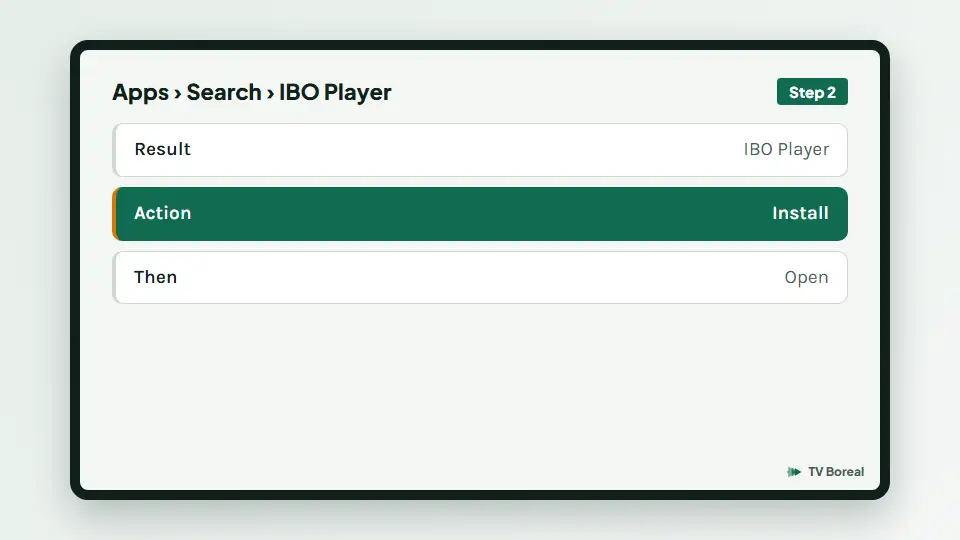
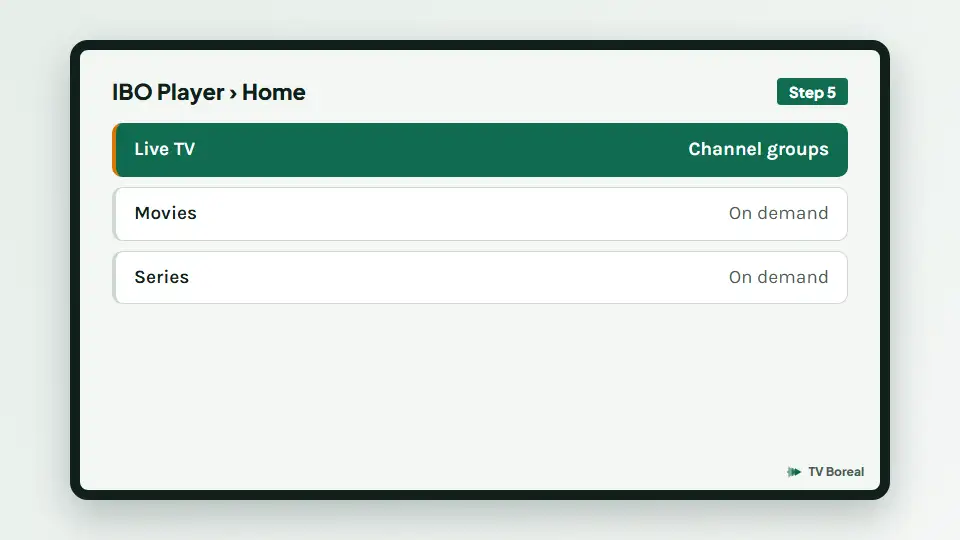
Add IBO Player
Search IBO Player, open the listing, press Install, then Open. Copycat names are around, so make sure the listing mentions iboplayer.com.
-
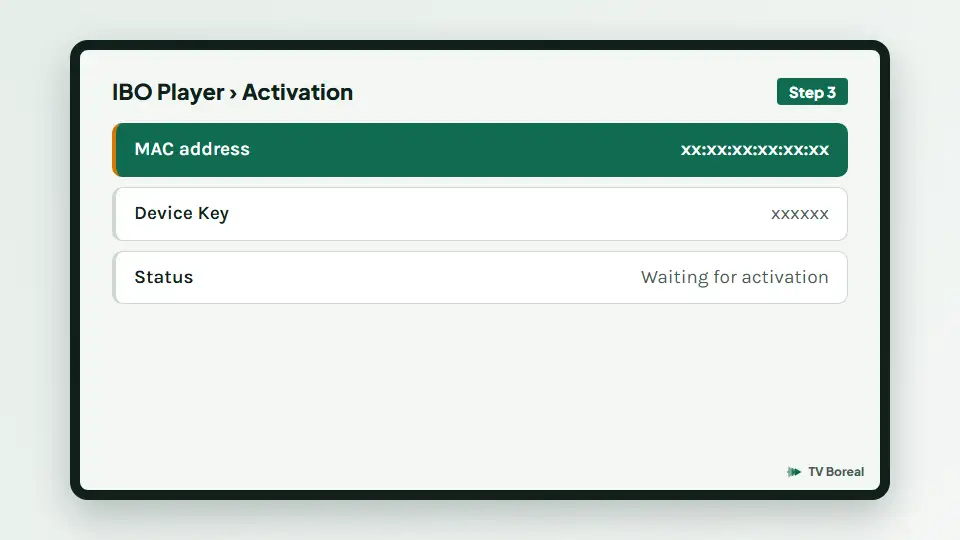
Photograph the MAC address and Device Key
Two values greet you: a MAC address (or Device ID) and a Device Key. Fit both into one sharp phone photo.
-
WhatsApp the photo to us
Name the app, IBO Player, in your message. Our side pairs that code with your plan, and you hear back once it is live, normally within minutes.
Send it on WhatsApp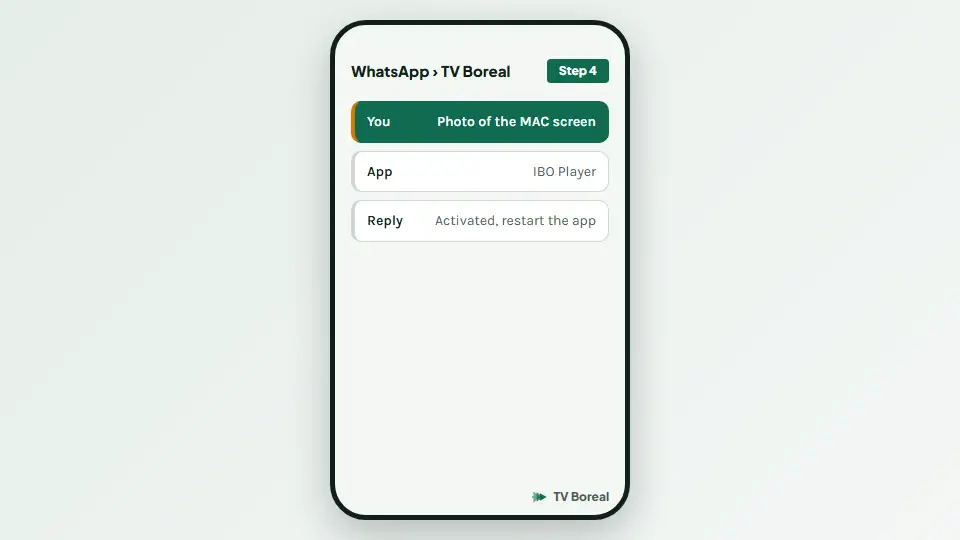
-
Restart and watch
Exit IBO Player completely, then launch it again. Still nothing? Give it sixty seconds and relaunch once more.

Paid app We activate it. 14 days cost nothing. Then the developer bills a single one-time fee per device.
-
Search the store
Press Home. On Samsung, Apps holds a search icon. On LG, the LG Content Store has its own search field.

-
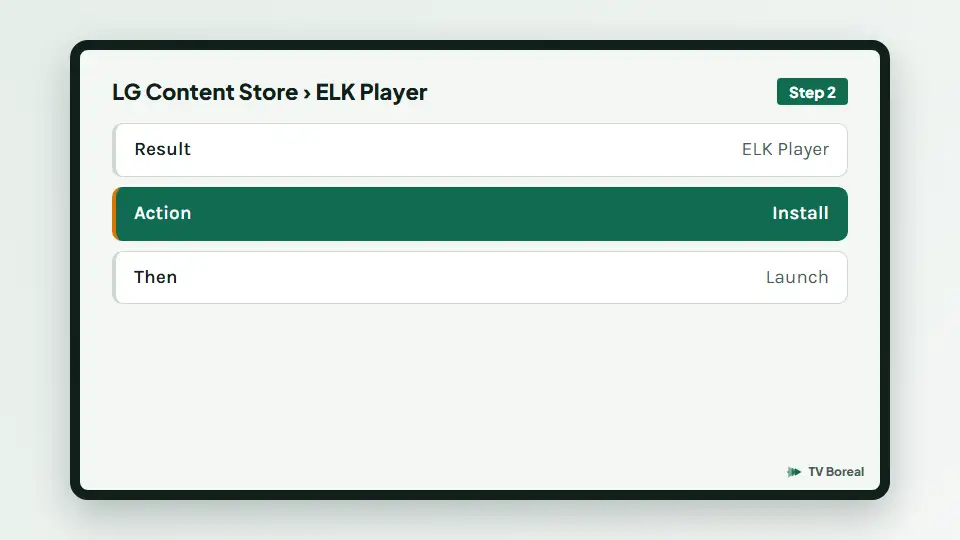
Install ELK Player
Pick ELK Player from the results, choose Install, and launch it when the download ends.
-
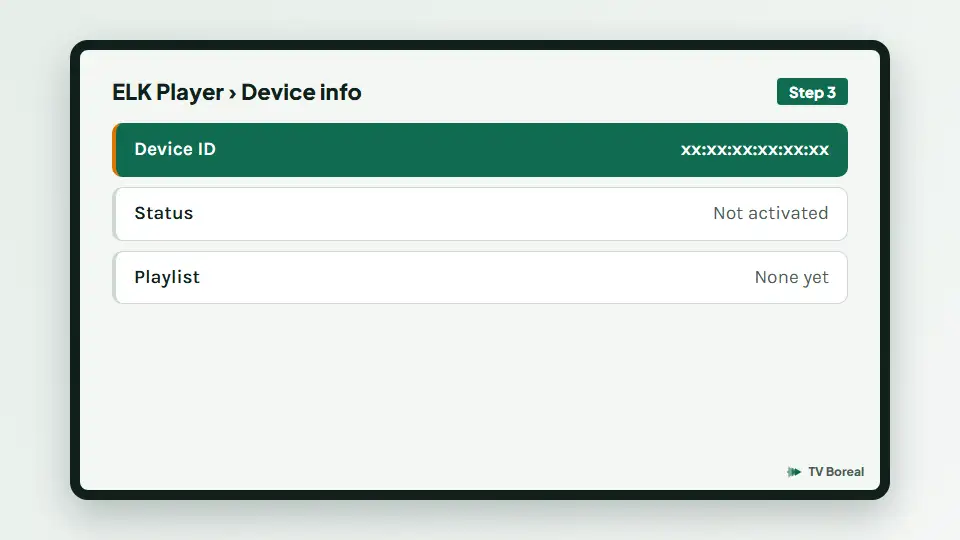
Find the Device ID
First thing on screen: a MAC address or Device ID. Get every character into the photo.
-
Message it to us
Post the photo on WhatsApp with the words ELK Player. Activation happens on our end, and the chat tells you when.
Send it on WhatsApp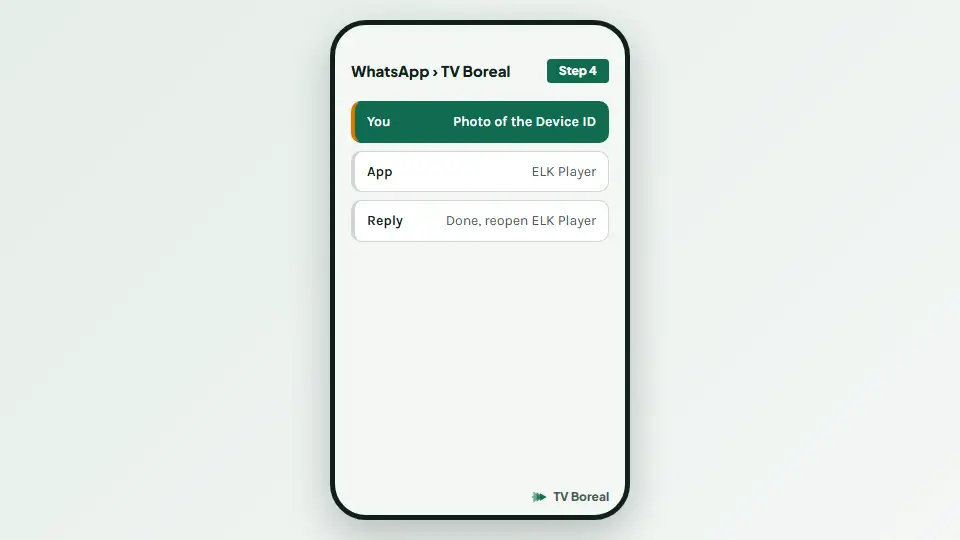
-
Reopen and watch
Close ELK Player fully and start it once more. Your channel list is there.
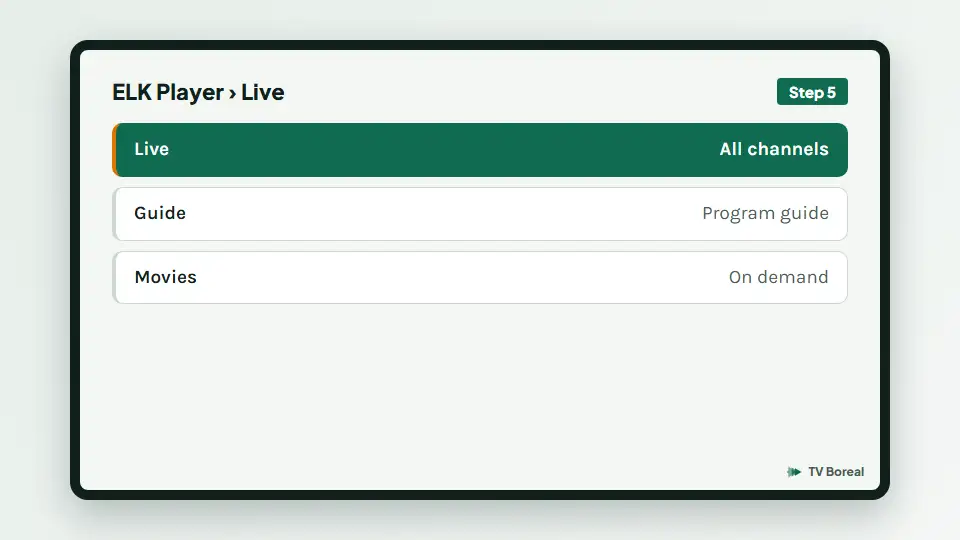
Paid app We activate it. Activation goes through us, from the MAC address your smart TV shows.
-
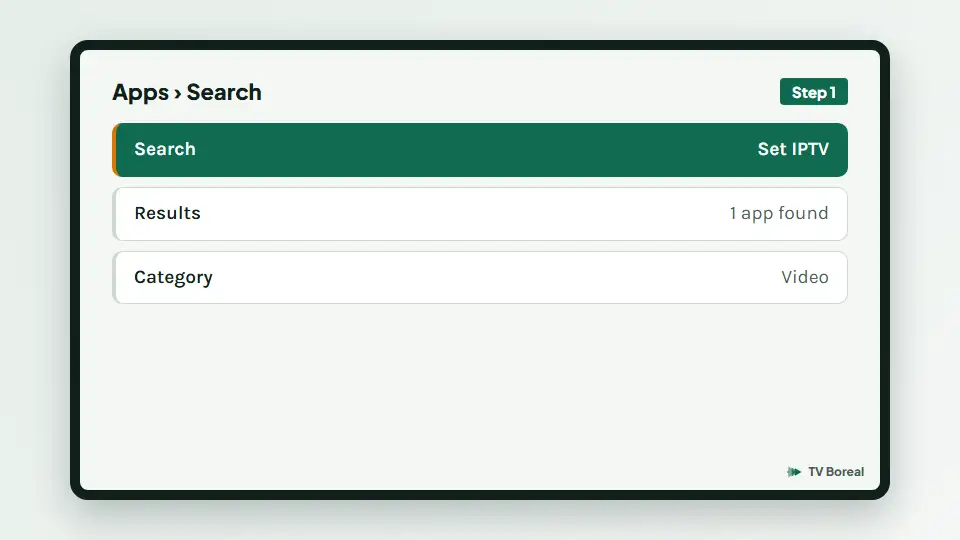
Look up Set IPTV
Samsung owners search in Apps, LG owners in the LG Content Store. Type Set IPTV.
-
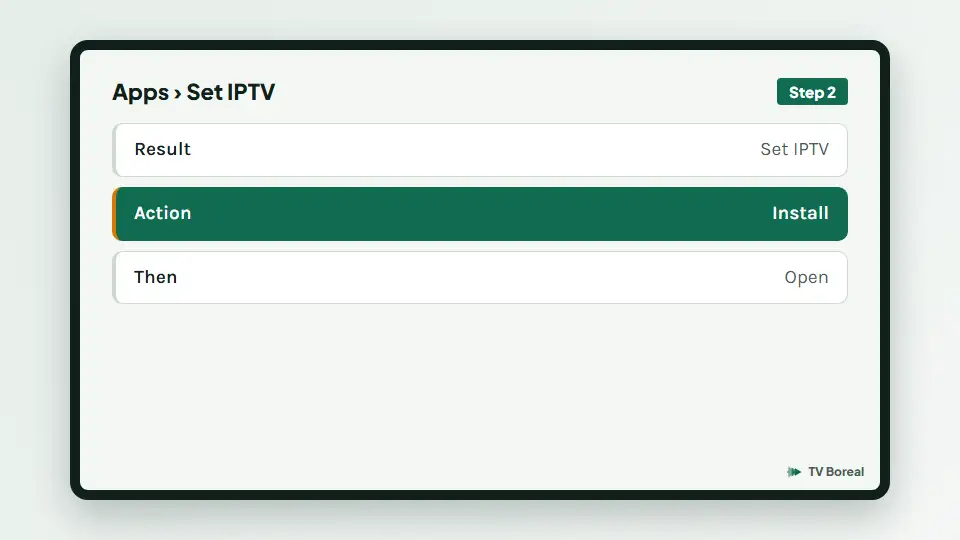
Install, then open
Choose Install, let the download finish and press Open.
-
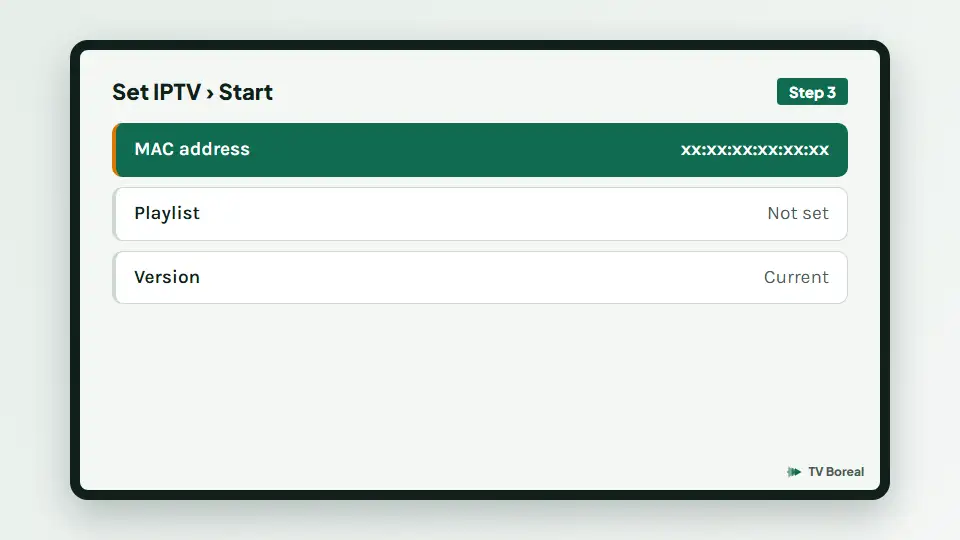
Read the MAC address
The opening Set IPTV page prints your TV's MAC address. Photograph it.
-
Send us the MAC
Share the photo on WhatsApp with the words Set IPTV. A reply follows when everything is ready.
Send it on WhatsApp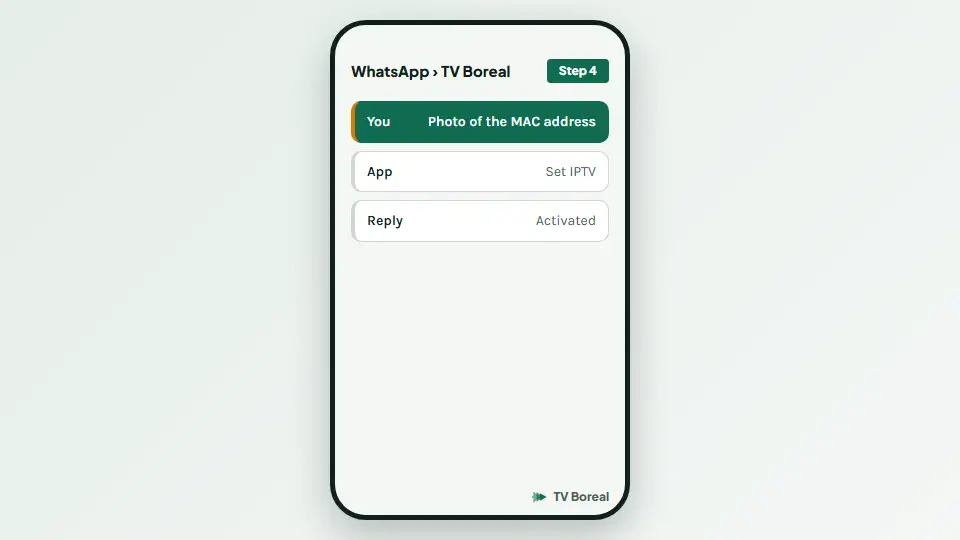
-
Relaunch Set IPTV
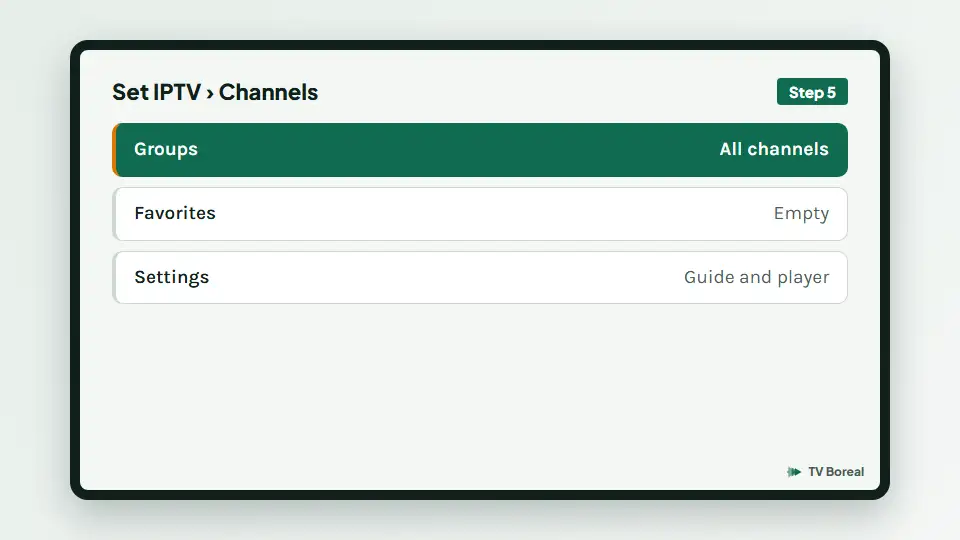
Shut the app fully and reopen it. The channels load.
No extra box needed: Samsung and LG sets can play your plan on their own. Two rules apply. Players come only from the TV's built-in store, and we handle the activation. The tabs above show three players, and the notes below cover each brand, older sets and common fixes.
Why Samsung and LG are different from a Fire Stick
Tizen (Samsung) and webOS (LG) are locked platforms. Their stores are the only source of apps, and sideloading a file is not an option, so Downloader never enters the picture.
Ignore videos or files claiming to sideload an app onto these TVs. Stick to the built-in store, and read each listing, because some apps borrow names that look like the players here.
Logging in differs as well. No server address gets typed. The player reads a code that belongs to your TV, you pass it to us, and we tie it to your plan. Next launch, the channels are there. What you trade is a brief wait for our reply, normally within minutes, and for these TVs that is simply how it works. Our article on IPTV on smart TV goes wider.
Before you start
- The TV switched on and online.
- For 4K, a line that holds 25 Mbps or more. Check it with our speed test.
- A plan. Need one? The IPTV subscription Canada page starts from $5.62 CAD a month, and each plan runs on these sets.
- Ten minutes, and your phone for the photo.
You set it up once. After that, opening the app is all it takes.
Which app should you pick?
IBO Player comes first. Both brands carry it, and its menus are easy to steer with a remote. Store missing it? ELK Player is the closest match and activates the same way. Set IPTV is the third choice. Whichever your TV lists first is fine.
| App | Code we activate | App cost |
|---|---|---|
| IBO Player | MAC address or Device ID, plus Device Key | 7 free days, then a licence per device (yearly or lifetime) |
| ELK Player | Device ID | 14 free days, then a single fee per device |
| Set IPTV | MAC address | See its tab |
Finding the apps on a Samsung TV
From the remote, press Home and scroll over to Apps. Search is the magnifier icon, top right. Enter the player's name, open what comes up and install it. Samsung shows apps by model year and by region, which is why two sets under one roof can return different results.
The LG Content Store on LG TVs
Press Home. The LG Content Store sits in the launcher bar at the bottom of the screen. Its search field is along the top, though certain webOS releases tuck it behind a magnifier on the right. Type the name, then Install. Which players you see depends on the webOS release your model year shipped with.
Older TV, or no app in the store?
Older sets list fewer apps. When all three players are missing, a Fire TV Stick in a free HDMI input solves it and brings faster menus. Start with IPTV on a Firestick, try the Apple TV guide for an Apple box, or the Android TV guide for other boxes.
Troubleshooting
Player not in the store. Lists change with model year and region. Try the other two names. No luck at all? A stick on a free HDMI input gets around the store.
Player opens with an empty list. First check that our WhatsApp reply said the code is active. Then fully quit the player (Back alone is not enough), power the TV off and on, and relaunch. The list can take a minute.
4K keeps pausing. A TV's chip has less muscle than a streaming box, so 4K is hard work for it. Try the FHD version first. A cable into the TV's Ethernet port beats Wi-Fi, and steady speed beats a big peak. IPTV buffering has more ideas.
No program guide yet. Guides build over a few minutes on a new activation. Wait, run a guide refresh from the player's settings, then relaunch. Our EPG explainer shows where guide data comes from.
Broke after a software update. Updates can alter the code the player reports. Hold the screen next to your first photo, and if they differ, WhatsApp us the new code. That is why the photo is worth keeping.
Sluggish menus. Memory fills up over time. Close the other apps, pull the TV's plug for a full minute, and plug it back in. Menus usually feel normal again.
Questions about this setup
What is the MAC address for, exactly?
It is how these players know which screen is yours. Instead of a typed password, the app shows a MAC address or Device ID, and we register that code against your plan. Nothing gets spelled out on the remote, and a WhatsApp message tells you the moment it works, normally within minutes.
Is there an app fee on top of my plan?
For two of the players, yes, and it goes to their developers. IBO Player: a week free, then a licence per device, by the year or for life. ELK Player: two weeks free, then one payment per device. Your plan price stays separate. Set IPTV's terms sit in its own tab above.
My Samsung or LG is a few years old. Will it work?
Maybe. An older set runs an older Tizen or webOS release, and its store may list fewer players. Try all three names. Found none? A Fire TV Stick on a free HDMI input brings the same channels, plus a full guide and snappier menus.
Can I use one plan on my smart TV and my phone?
Yes, with a plan that covers enough screens. Your plan's device count is how many screens may stream at once, so pick 2 or 3 devices for a TV and a phone together. The phone app takes your typed login, while the TV app is activated from its code.
Will Downloader run on these TVs?
No. Each platform takes apps solely from its maker's store, which is the LG Content Store for LG. There is no supported way to load an outside app file, so tutorials showing Downloader on these sets lead nowhere. Use the store players in this guide.
Channels stopped after a TV update. What happened?
Firmware updates sometimes alter the code that the player reports, so our records no longer match your set. Open the player, look at the code on its first page and hold it next to your original photo. Different? WhatsApp us the new one and we update it.
More setup guides
IPTV on a Firestick: set it up step by step
IPTV on a Firestick, from an empty home screen to a playing channel.
IPTV on Android TV: setup with Downloader codes
Setup steps for Android TV sets, NVIDIA SHIELD and Android boxes.
IPTV on Apple TV: setup with four apps
For Apple TV HD and Apple TV 4K on tvOS.